





VT1200DL Workspace Meeting Ready Kit | DisplayPort
Connect. Collaborate. Confidently.
The VisionTek Workspace Meeting Ready Kit standardizes both connectivity and collaboration. One connection activates monitors and devices while a dedicated webcam ensures clear, professional video presence.
Remove last-minute setup and create a consistent meeting experience across teams.
Workspace Meeting Ready Kit Includes
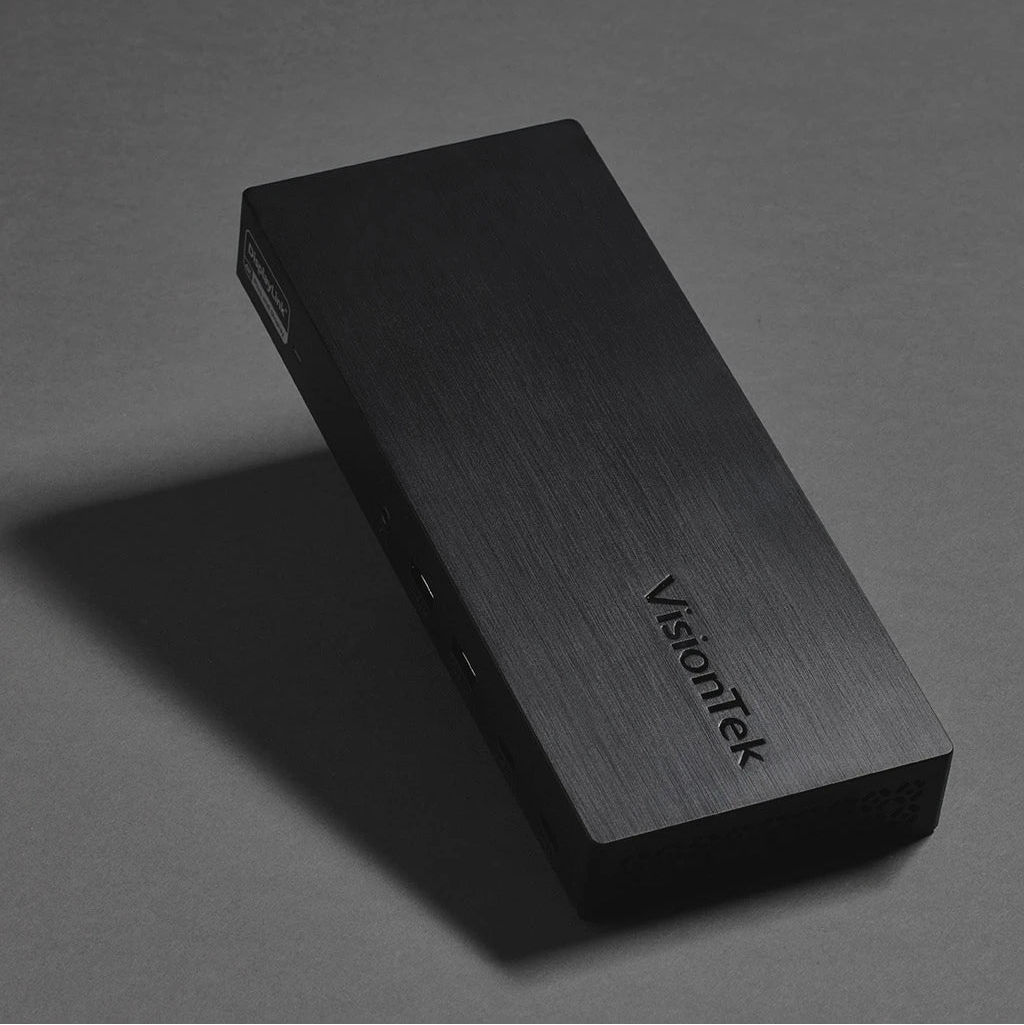
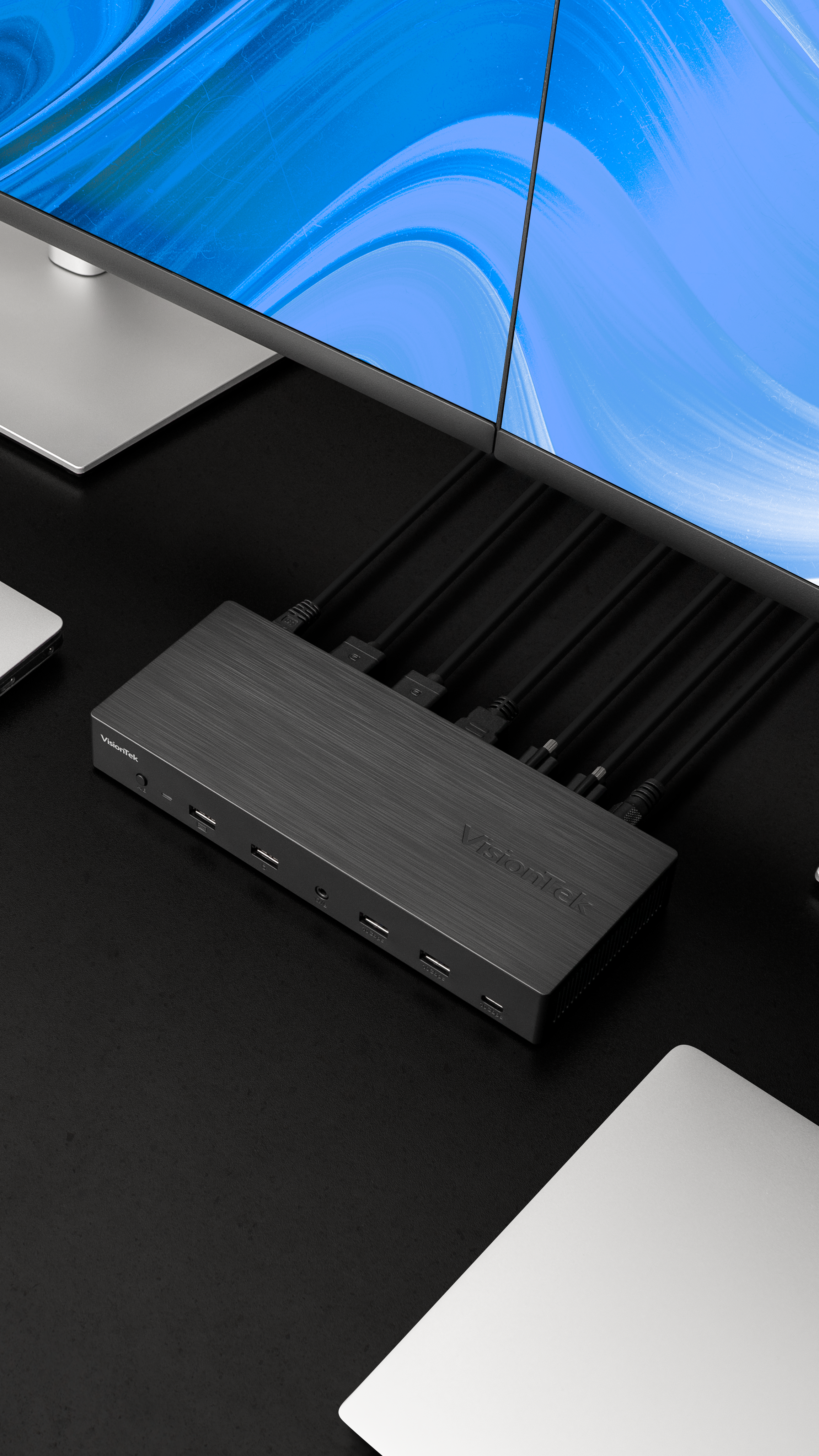
- VT1200DL Docking Station -Centralizes the entire workspace into one stable connection. Plug in once. Everything else stays connected.
- VTWC30 Webcam - Collaborate with a standard professional presence across the team. Every employee is meeting ready from day one.
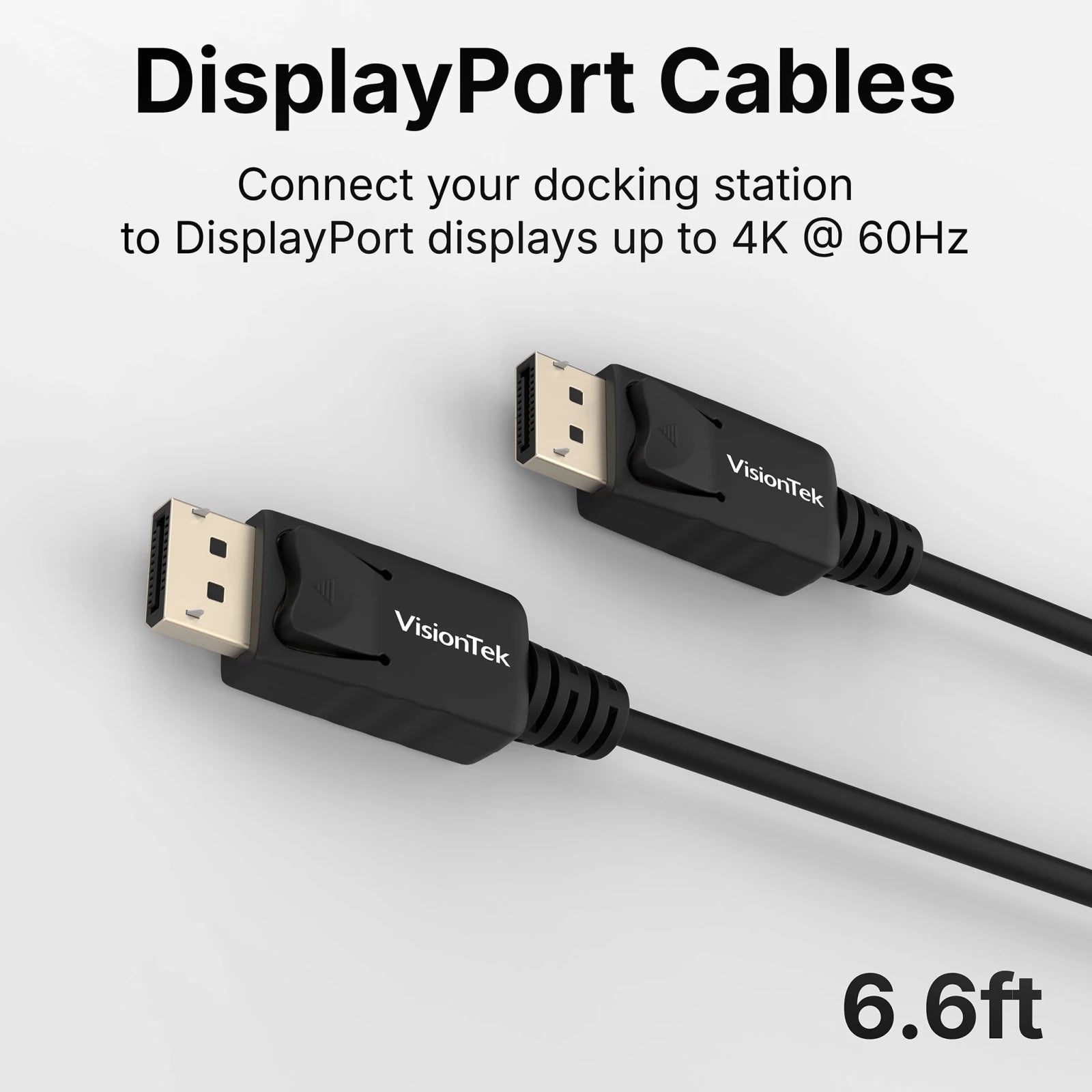
- DisplayPort Cables x2 - Connect monitors immediately and remove compatibility guesswork. No additional purchases required.
- USB-C Cable - Add devices or charge peripherals without disrupting the primary workstation connection.
- Cable Ties - Keep workspace connections controlled and organized.
DisplayLink Drivers required for full functionality. Download the latest drivers from: DisplayLink.com
Complete Your Tech Set Up
Free Shipping Over $50
Call Our U.S.-Based Support Team
30-day risk-free returns
Quick Plug-and-Play Set Up
VT1200DL Workspace Meeting Ready Kit | DisplayPort
Premium Performance Without the Premium Price.
Description
Connect. Collaborate. Confidently.
The VisionTek Workspace Meeting Ready Kit standardizes both connectivity and collaboration. One connection activates monitors and devices while a dedicated webcam ensures clear, professional video presence.
Remove last-minute setup and create a consistent meeting experience across teams.
Workspace Meeting Ready Kit Includes
- VT1200DL Docking Station -Centralizes the entire workspace into one stable connection. Plug in once. Everything else stays connected.
- VTWC30 Webcam - Collaborate with a standard professional presence across the team. Every employee is meeting ready from day one.
- DisplayPort Cables x2 - Connect monitors immediately and remove compatibility guesswork. No additional purchases required.
- USB-C Cable - Add devices or charge peripherals without disrupting the primary workstation connection.
- Cable Ties - Keep workspace connections controlled and organized.
DisplayLink Drivers required for full functionality. Download the latest drivers from: DisplayLink.com
Key Features
System Requirements
Technical Specifications
What's In The Box
Warranty
Docking Stations & Hubs
Docking Station Solutions — Choose the Right Fit:

DisplayLink Docks
Universal Compatibility Across Virtually Any System
Seamlessly connect your PC or Mac to
multiple monitors and devices. DisplayLink technology ensures broad system
support for flexible work environments.
- PC & Mac Compatible
- Data Transfer up to 10Gbps
- Add up to 2 Displays
- Multiple USB Ports
USB-C DP Alt Mode Docks
Plug-and-Play Simplicity with No Drivers Required
For systems that support USB-C
DisplayPort Alt Mode, this solution offers fast data transfer, charging, and
easy multi-monitor support through a single USB-C cable.
- PC & Mac Compatible
- Data Transfer up to 10Gbps
- Add up to 2 Displays
- Charging up to 100W
Thunderbolt™3 Docks
Maximum Performance for Power Users and Professionals
Harness industry-leading speed,
graphics expansion, and data transfer via Thunderbolt™ 3. Ideal for creatives,
professionals, and high-performance workstations.
- PC & Mac Compatible
- Data Transfer up to 40Gbps
- Charging up to 87W

USB3.0 DisplayLink Docks
Cost-Effective Connectivity for Legacy Devices
Perfect for extending older systems
without sacrificing productivity.
- PC & Mac Compatible
- Add up to 2 Displays
- Additional USB Ports


Your Perfect Setup is One Accessory Away
Complete your setup with performance-driven accessories made for each other.

Technology that works. People who care.
VisionTek provides thoughtfully designed tech solutions that just works well – backed with expert support from real people you can count on.
If you have any questions, you are always welcome to reach out
-
Contact Us
Use this text to answer questions in as much detail as possible for your customers.
-
Customer Support
Use this text to answer questions in as much detail as possible for your customers.
-
FAQ’s
Use this text to answer questions in as much detail as possible for your customers.
-
Shipping Information
Use this text to answer questions in as much detail as possible for your customers.