
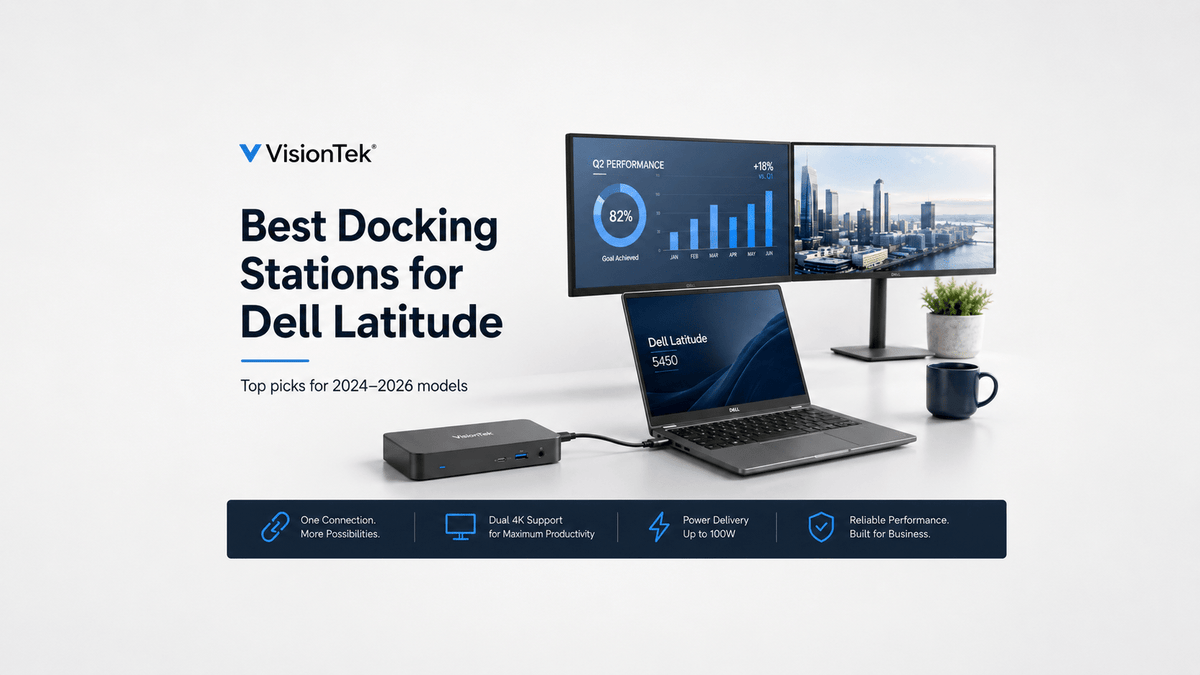
Dell Latitude laptops are built for business, but many users quickly realize that a laptop alone is not enough for a complete workstation. Modern Latitude models rely heavily on USB-C and Thunderbolt connectivity, making a docking station for Dell Latitude an important part of a productive desk setup.
An ideal dock allows you to connect multiple monitors, wired networking, and peripherals while charging your laptop through a single cable. In this guide, we review three VisionTek docking stations that work well with Dell Latitude laptops released between 2024 and 2026.
What to Look for in a Dell Latitude Docking Station
When choosing a docking station for a Dell Latitude system, three of the most important considerations are compatibility, power delivery, and display support.
Most modern Latitude laptops support USB-C with DisplayPort Alt Mode or Thunderbolt, enabling high-resolution displays and fast data transfer. The right dock can turn that single laptop connection into a much more complete desktop workstation.
-
Compatibility: Make sure the dock supports the connection technology available on your Latitude laptop.
-
Power delivery: A dock providing up to 100W can help keep a compatible laptop powered without relying on a separate charger.
-
Display support: Dual 4K is ideal for many professional workstations, while quad-display setups are better suited for advanced multi-screen workflows.
1. VisionTek VT4600DL – Best Overall Choice
The VisionTek VT4600DL is a well-balanced docking station designed for everyday business use. It supports dual 4K displays and provides up to 100W of charging, making it a strong match for Dell Latitude systems.
The VT4600DL uses DisplayLink technology, helping provide compatibility across different devices, including USB-A and USB-C systems. It also provides multiple USB ports, Ethernet, and audio connectivity for a more complete workstation.
Explore the VisionTek VT4600DL
2. VisionTek VT1200DL – Best Value Option
The VisionTek VT1200DL is a cost-effective docking station that still delivers dual 4K monitor support and broad compatibility. It connects through USB-A or USB-C and includes a wide range of ports.
Unlike higher-end models, this dock relies on power passthrough, meaning a separate USB-C charger may be required for full performance. This makes it a good choice for users who already have a charger and want to reduce their upfront cost.
Explore the VisionTek VT1200DL
3. VisionTek VT8100DL – Best for Advanced Multi-Monitor Setups
The VisionTek VT8100DL is designed for high-performance environments. It supports up to four 4K displays and delivers 100W of power, making it ideal for demanding workflows.
This dock is well suited for finance professionals, developers, and anyone running complex multi-screen setups. It also includes high-speed networking and a wide range of connectivity options.
Explore the VisionTek VT8100DL
Dell Latitude Docking Station Comparison
Here is a quick comparison of the three VisionTek docking stations and the type of workstation each is best suited for:
| Model | Displays | Power Delivery | Best Use |
|---|---|---|---|
| VT4600DL | Dual 4K | 100W | Best overall |
| VT1200DL | Dual 4K | Passthrough | Best value |
| VT8100DL | Quad 4K | 100W | Advanced users |
Which Dell Latitude Docking Station Is Right for You?
The right dock depends largely on how many displays you use, how you want to power your laptop, and the complexity of your workstation.
-
For a typical business workstation: The VT4600DL offers dual 4K display support, 100W charging, and broad connectivity, making it the strongest overall choice for most users.
-
For a budget-conscious setup: The VT1200DL provides dual 4K support and a wide range of ports while using power passthrough, making it a strong value for users who already have a compatible charger.
-
For advanced multi-screen workflows: The VT8100DL supports up to four 4K displays and 100W of power, making it better suited for finance professionals, developers, and other users who rely on several monitors.
Best Docking Station for Dell Latitude: Final Thoughts
A docking station is one of the most useful upgrades you can make to a Dell Latitude laptop. Whether you need a simple dual-monitor setup or a full multi-display workstation, the right dock can transform a laptop into a much more capable desktop workspace.
For most users, the VT4600DL provides the best overall balance of features. The VT1200DL offers strong value, while the VT8100DL is designed for more advanced multi-monitor setups.
Each option provides reliable compatibility with modern Latitude systems while serving a different type of workstation requirement.
Related Docking Station and Laptop Accessories
Browse additional VisionTek product categories to find compatible accessories for your Dell Latitude or other USB-C laptops, including docking stations, adapters, charging products, and multi-monitor solutions.
Cables
Adapters
Chargers & Power
Graphics Cards
Audio
Docking Stations
Share:
What is an SSD? Why It Makes Your Computer Faster...
VisionTek Radeon RX 580: Six-Display Graphics for Business