
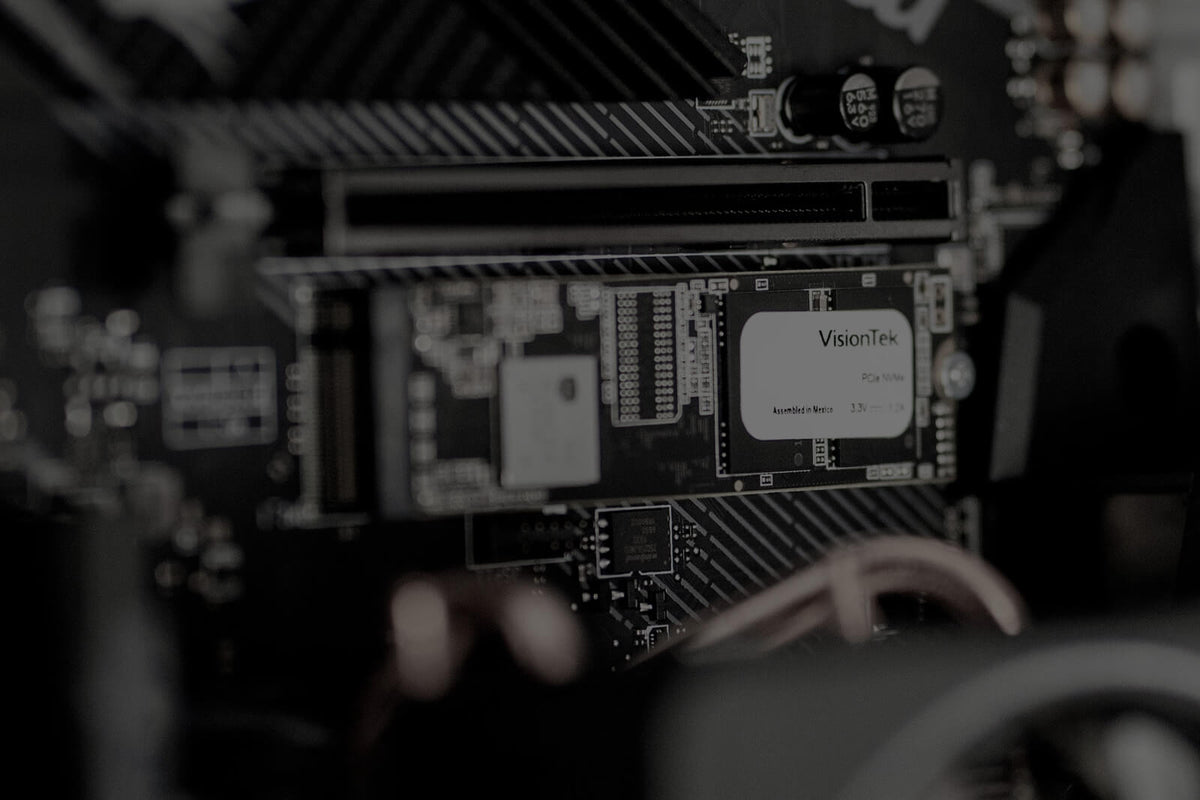
If you've ever wondered why a newer computer starts quickly, opens programs almost instantly and feels more responsive, the SSD is a big part of the answer.
SSD stands for Solid State Drive. It's the long-term storage inside your computer that keeps your files and programs available even after the computer is turned off.
Think of an SSD as the digital filing cabinet for your computer. It stores everything from your operating system and applications to your photos, documents and games—and retrieves that information when you need it.
What Is an SSD?
An SSD, or Solid State Drive, is a storage device used to permanently store data on a computer.
Unlike RAM, which temporarily holds information while you're actively using your computer, the information stored on an SSD remains there when you shut the computer down.
Your SSD can store:
- Your operating system, such as Windows, macOS or ChromeOS
- Programs and applications
- Photos and videos
- Documents and other personal files
- Games
- System files that help your computer operate
When you open a file or launch a program, your computer retrieves the necessary information from storage so you can use it.
SSD vs. RAM: What's the Difference?
An easy way to understand the difference between SSD storage and RAM is to imagine you're sitting at an office desk.
RAM is your desktop. It's the space where you spread out everything you're actively working on.
Your SSD is the filing cabinet next to the desk. It holds your information until you need it.
When you need a file, you pull it from the filing cabinet—the SSD—and bring the information into your active workspace. When you're finished, the information can remain safely stored on the SSD.
| Feature | RAM | SSD |
|---|---|---|
| Think of it as... | Your desktop | Your filing cabinet |
| Main purpose | Active working memory | Long-term storage |
| Keeps data when powered off? | No | Yes |
| Stores files and programs? | Temporarily while in use | Yes |
What Did Computers Use Before SSDs?
Before SSDs became widely used, most computers relied on hard disk drives, or HDDs, for their primary storage.
An HDD stores information on spinning disks. A mechanical arm moves across those disks to read and write information, somewhat like the way a record player uses a tonearm and stylus to interact with a record.
Hard drives provided computer storage for decades, but their mechanical design came with limitations.
- Moving components could wear out over time
- Retrieving information was slower
- Mechanical operation could generate noise
- They could consume more power and generate more heat
- Drops and strong vibrations could potentially damage the moving components
Imagine looking for a document in a large stack of papers. You may eventually find exactly what you need, but the process takes time.
SSDs changed the way computers store and retrieve that information.
How Does an SSD Work?
The major difference between an SSD and a traditional hard drive is that an SSD doesn't need spinning disks or a mechanical arm to access your data.
Instead, SSDs store information using flash memory chips, a technology also used in devices such as USB flash drives and smartphones.
Without a mechanical arm physically moving to different locations on a disk, an SSD can access stored information much more quickly.
That change helped transform everyday computer performance.
Why Did SSDs Make Computers So Much Faster?
The move from mechanical hard drives to solid-state storage represented a major leap in computer technology.
Because an SSD can retrieve information without waiting for mechanical components to move into position, everyday tasks can happen much faster.
That difference can be noticeable from the moment you turn on your computer.
What Are the Benefits of an SSD?
Moving from a traditional hard drive to an SSD can provide several practical benefits.
- Faster startup times: Your computer can load its operating system more quickly.
- Faster application loading: Programs and files can open more quickly because the system can access stored data faster.
- Greater durability: With no spinning disks or mechanical read/write arm, there are fewer moving components that can be damaged.
- Lower power consumption: Solid-state storage can operate more efficiently than mechanical storage.
- Quiet operation: An SSD doesn't have spinning disks or moving mechanical arms creating noise.
SSD vs. HDD: What's the Difference?
Both SSDs and HDDs provide long-term storage, but the technology they use to accomplish that job is very different.
| Feature | SSD | HDD |
|---|---|---|
| Storage technology | Flash memory | Spinning magnetic disks |
| Moving parts | No | Yes |
| Data access | Faster | Slower |
| Operating noise | Silent | Can produce mechanical noise |
| Resistance to movement | Generally better | More vulnerable because of moving components |
How Does an SSD Affect Everyday Computer Performance?
SSD speed isn't just a specification on a product page. It can affect tasks you perform every day.
A faster storage drive can help your computer:
- Start Windows or another operating system more quickly
- Launch applications faster
- Open and save large files more quickly
- Load games and other data-intensive programs faster
- Transfer files more efficiently
That's why replacing an older mechanical hard drive with an SSD can be one of the most noticeable upgrades for a computer that still relies on an HDD.
Does an SSD Make Every Part of Your Computer Faster?
Not necessarily. An SSD improves how quickly your computer can store and retrieve data, but it's only one part of your system.
If your computer struggles when you have many programs or browser tabs open at once, for example, RAM may also be a factor. The processor, graphics hardware and other components can affect performance as well.
The office analogy makes the difference easy to remember:
- SSD = filing cabinet: How quickly can you find and retrieve what you need?
- RAM = desktop: How much can you comfortably work on at the same time?
A fast filing cabinet doesn't give you a bigger desk, and a bigger desk doesn't make your filing cabinet faster. Both serve different purposes.

Final Thoughts
An SSD is the long-term storage system of your computer. It's responsible for holding everything from your operating system and applications to your photos, documents and games.
By replacing spinning mechanical disks with flash memory, SSDs changed how quickly computers can access stored information. The result is faster startup times, quicker application loading, quieter operation and greater resistance to damage from movement.
So the next time someone asks, "What does an SSD actually do?" remember the office desk:
RAM is your workspace. The SSD is your filing cabinet.
And the faster you can retrieve what you need from that filing cabinet, the faster you can get to work.
Explore VisionTek solid state drive solutions to find storage options for your computer.
Share:
What Is RAM? How Computer Memory Works & Why It Matters
Best Docking Stations for Dell Latitude Laptops (2024–2026)