
Congratulations! You got past the screening questions, AI bots, and the obstacle course of having to rewrite your entire resume with the added bonus of city and state for every company you worked for! It’s on to the virtual interview! Yay? After 20+ years doing recruiting, I’ve witnessed the full spectrum of virtual interview mishaps.
Not the worst one, but worthy of nomination was an interview I did a few years back. A candidate logged in late with their laptop angled so low I could see nothing but their ceiling fan spinning like a helicopter preparing for takeoff. When they finally adjusted the camera, the background revealed a mountain of laundry so large it deserved its own zip code. Halfway through the interview, their cat walked across the keyboard, and the interviewer accidentally disconnected mid-sentence.
Nice person. Acceptable résumé. Zero chance.
Remote interviews are the norm, and so are avoidable mistakes. Much of what I’m putting out here is common sense, yet it’s so often disregarded. Perhaps we’re too comfortable in our homes and assume the same rules don’t apply as they would during an in-person interview?
Your Home Workspace: The Stage You Didn’t Know You Had
Your interview space is your first impression before you even speak. A cluttered room can unintentionally signal disorganization, stress, or lack of preparation. What’s that? You’ll just blur the background? Yeah, we can still figure out what the fuzzy takeout container on the table behind you is.
Don’t make your interviewer feel uncomfortable with a space reminiscent of a fraternity bedroom like this in the background:

A clean space makes you the focal point of the interview.
Lighting: Your Secret Weapon
Good lighting makes you look alert, engaged, and professional. Poor lighting makes you look like you stayed up all night binge watching Pluribus. A great solution is the VisionTek VTWC40 Premium Autofocus Full HD Webcam, which includes built-in lighting to brighten your face evenly and eliminate shadows. Yup, I happen to work for VisionTek, and this is the equipment I’m familiar with, so I can stand behind it. If you have a different brand preference, then godspeed!
Camera Angles: The Difference Between “Prepared” and “Accidentally Terrifying”
Get a webcam that catches you chest-up and angled directly at you with a selfie light. The person you are interviewing with doesn’t want a view that makes it look like you’re at the other end of a dining room table; they should be able to clearly see your facial expressions.
I can’t count how many times I’ve been on a Teams call where someone took the call on their phone and I ended up with a lovely angle right up their nose. Eye contact is still relevant even if virtual. A camera pointed up your nose or down from the ceiling is distracting and unflattering.
Hey buddy, eyes here!

Position your camera at eye level, about an arm’s length away. You should appear centered with a bit of space above your head.

Dress Like You Mean It (Even If You’re Wearing Slippers)
- Solid colors. No loud patterns.
- Professional but comfortable top (and yes, pants too, just in case you stand up).
- Hair that looks clean and in place.
Even in a remote setting, attire signals respect and readiness. I’ve had interviewees fidget with clothing or jewelry that I wondered if they were paying more attention to my questions or their own image on the call.
Your Desk Setup; Look Productive, Feel Productive
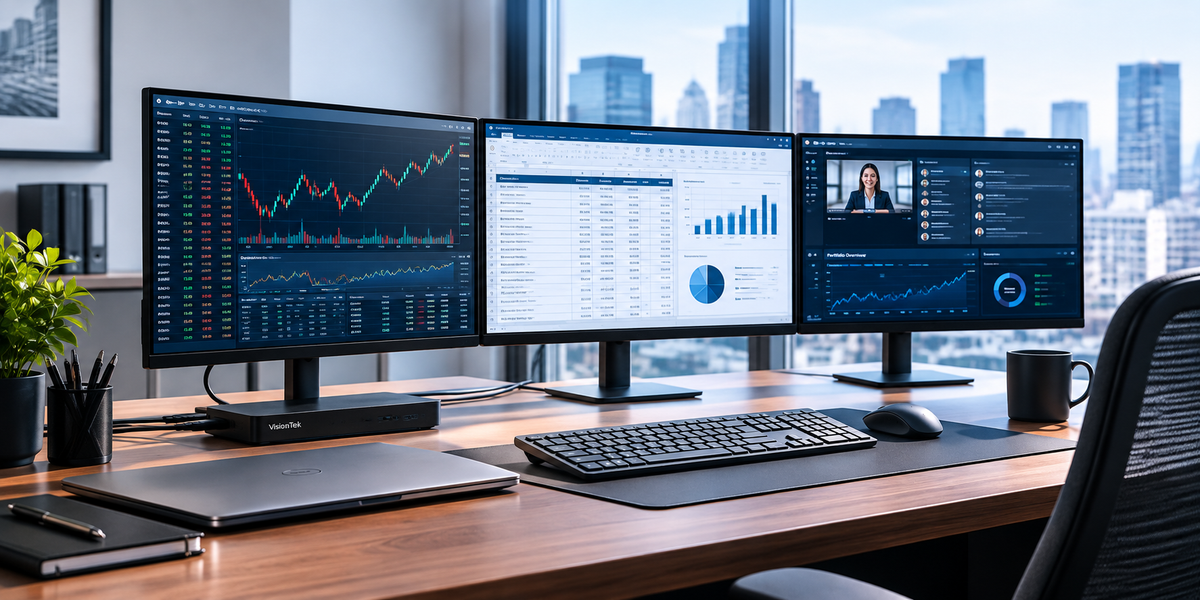
- Visible wires can make your space look messy. A docking station keeps everything streamlined. VisionTek offers several docking solutions that help you connect multiple monitors, your webcam, speakers, and charge your laptop keeping cables tucked back. Not sure what’s right for you? They’re in the Midwest and willing to walk you through what makes sense for you over the phone. No big menus to navigate, just a real person.
Want to step it up further?
- Hide cables with cable ties that mount under your desk – check out UpLift (VisionTek is not affiliated, I just like this product)
- Keep your workspace clean and interview-ready
- Login 5-10 minutes early to make sure your camera, speakers, and mic are all working seamlessly like an ER triage.
What to Keep on Hand
- Glass of water
- Notepad and pen
- Copy of the job posting
- Your résumé
Preparation, Your Best Advantage in a Brutal Job Market
Before the interview, know:
- What the company does
- Their mission and values
- Recent news or product launches
- Why you want to work there
- How your skillset aligns to the role
Let AI Be Your Secret Interview Co-Pilot (Without Letting It Drive the Car)
Upload the job posting as well as your resume into ChatGPT, CoPilot, or whatever your favorite AI tool is and prompt it to act as the hiring manager for the position. Tell it to take into consideration any gaps in your skillset from the qualification required for the role and create a dozen interview questions. Practice how you would answer those questions. You can even ask AI to suggest what the ideal answer would be to help you consider other avenues as long as the answer is not false!
You don’t want to mislead the interviewer because in the end, it won’t work to your advantage. Trust me.
AI can even be your rehearsal partner. Have AI help you brainstorm examples for behavioral questions. Let it help you polish your interview but keep your authentic voice.
Know the Role
Have the job posting printed or open on a second screen. Highlight:
- Required Skills
- Responsibilities
- Keywords you can reference in your answers
The Market Is Tough But You’re Tougher
This is one of the most competitive job markets in years. You’re not imagining it. You’re not alone. Think about the stone cutter’s creed. When nothing seems to help, I go and look at a stonecutter hammering away at his rock perhaps a hundred times without as much as a crack showing in it. Yet at the hundred and first blow it will split in two, and I know it was not that blow that did it, but all that had gone before.
Every attempt will lead you closer to success. Keep hammering!
Control What You Can
- Your preparation
- Your environment
- Your professionalism
- Your energy
- Your follow-up
These small advantages add up.
Remote interviews can feel awkward, but with the right setup and the right tools you can present yourself with confidence and clarity.
And if your cat walks across the keyboard mid-interview? Laugh, apologize, and keep going. Recruiters have seen worse. Trust me.
Alila Hollander
VP of Human Resources
VisionTek Products
Share:
Dual 4K Docking Station | Why It’s the New Standard | VisionTek
Think Your Skills Matter Most? Your Wi-Fi Might Be Deciding the Offer