




VT1200DL Workspace Essentials Kit | DisplayPort
Connect and Go.
The VisionTek Workspace Essentials Kit establishes a consistent connectivity standard across the organization. One connection powers monitors, accessories, and devices without the daily unplugging or cable confusion.
Essentials removes small but persistent disruptions that slow teams down.
This kit is the default connectivity foundation for desks and workspaces.
Workspace Essentials Kit Includes
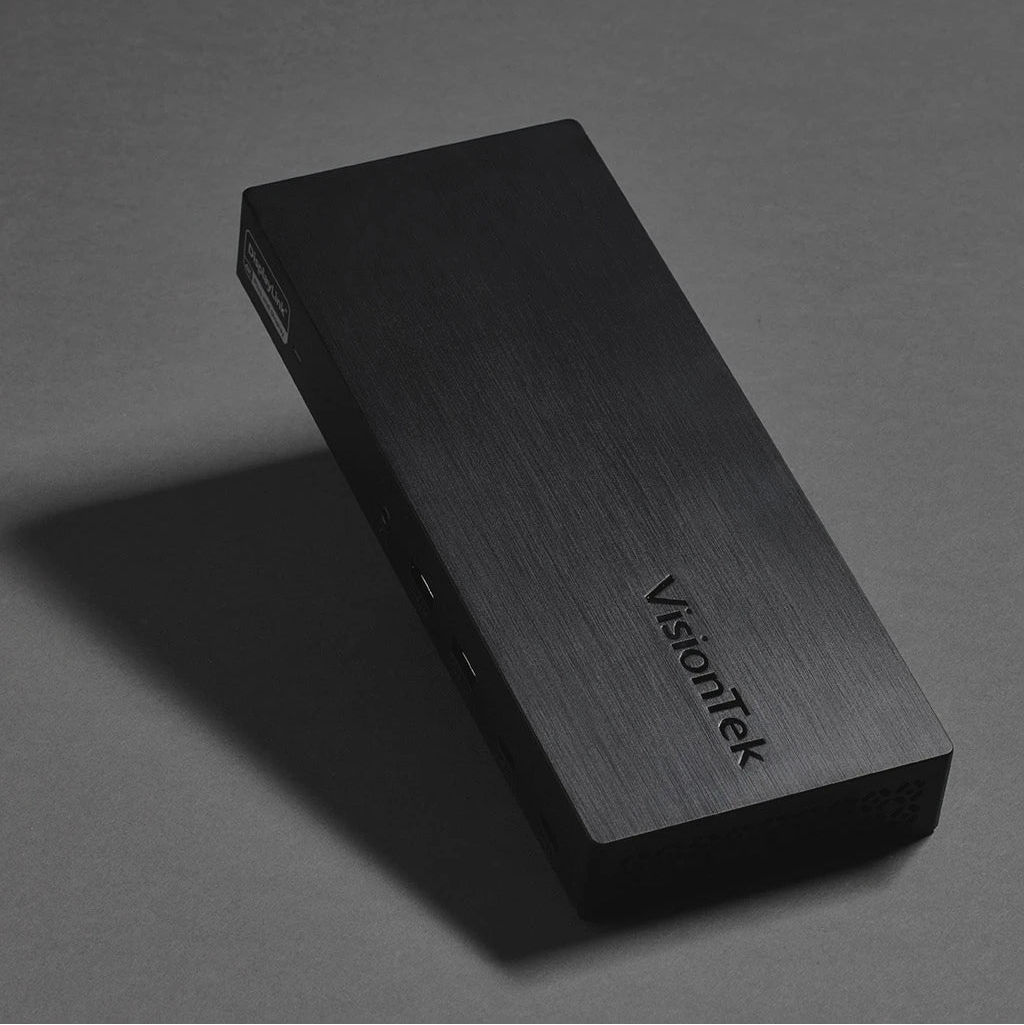
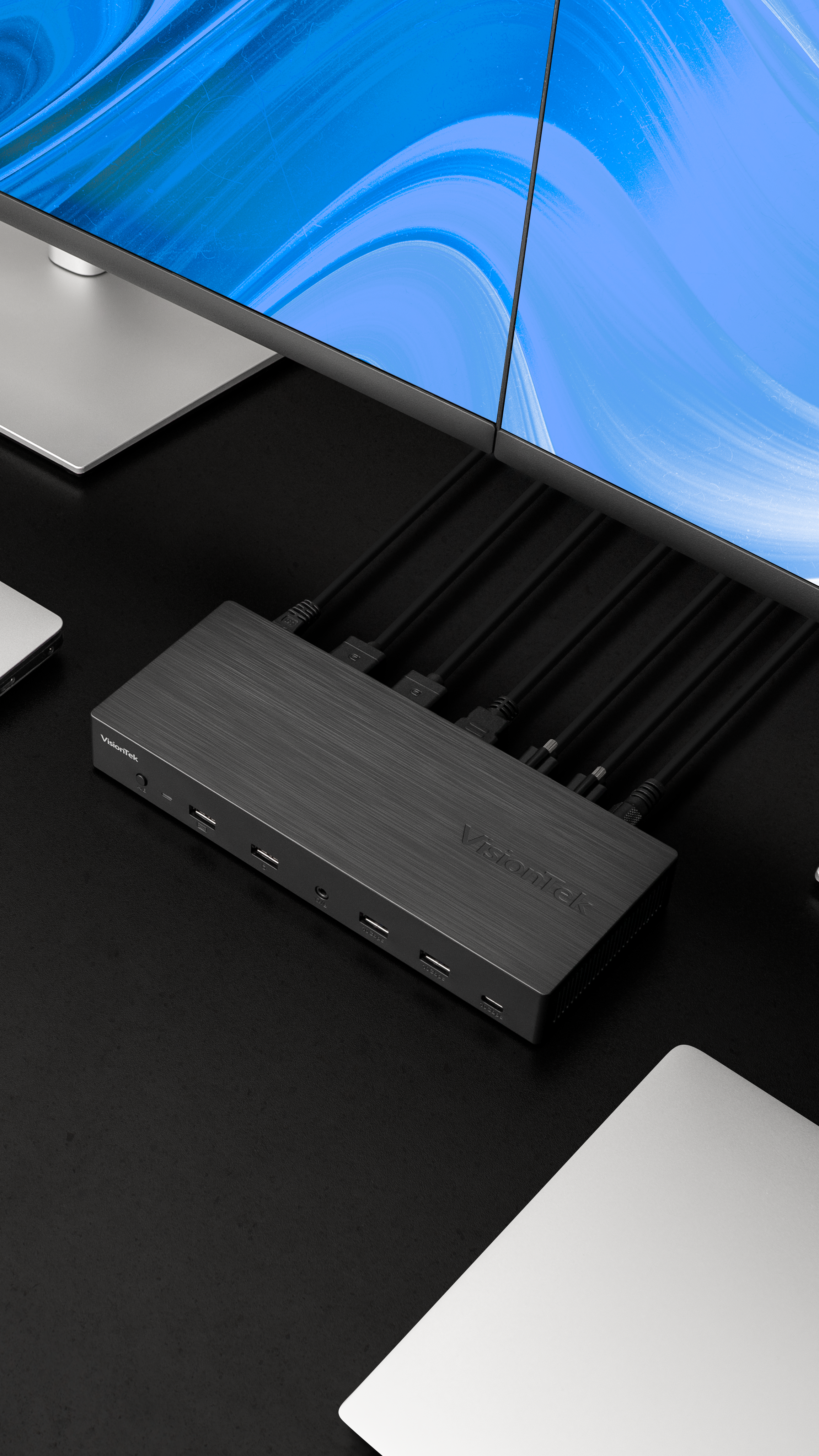
- VT1200DL Docking Station -Centralizes the entire workspace into one stable connection. Plug in once. Everything else stays connected.
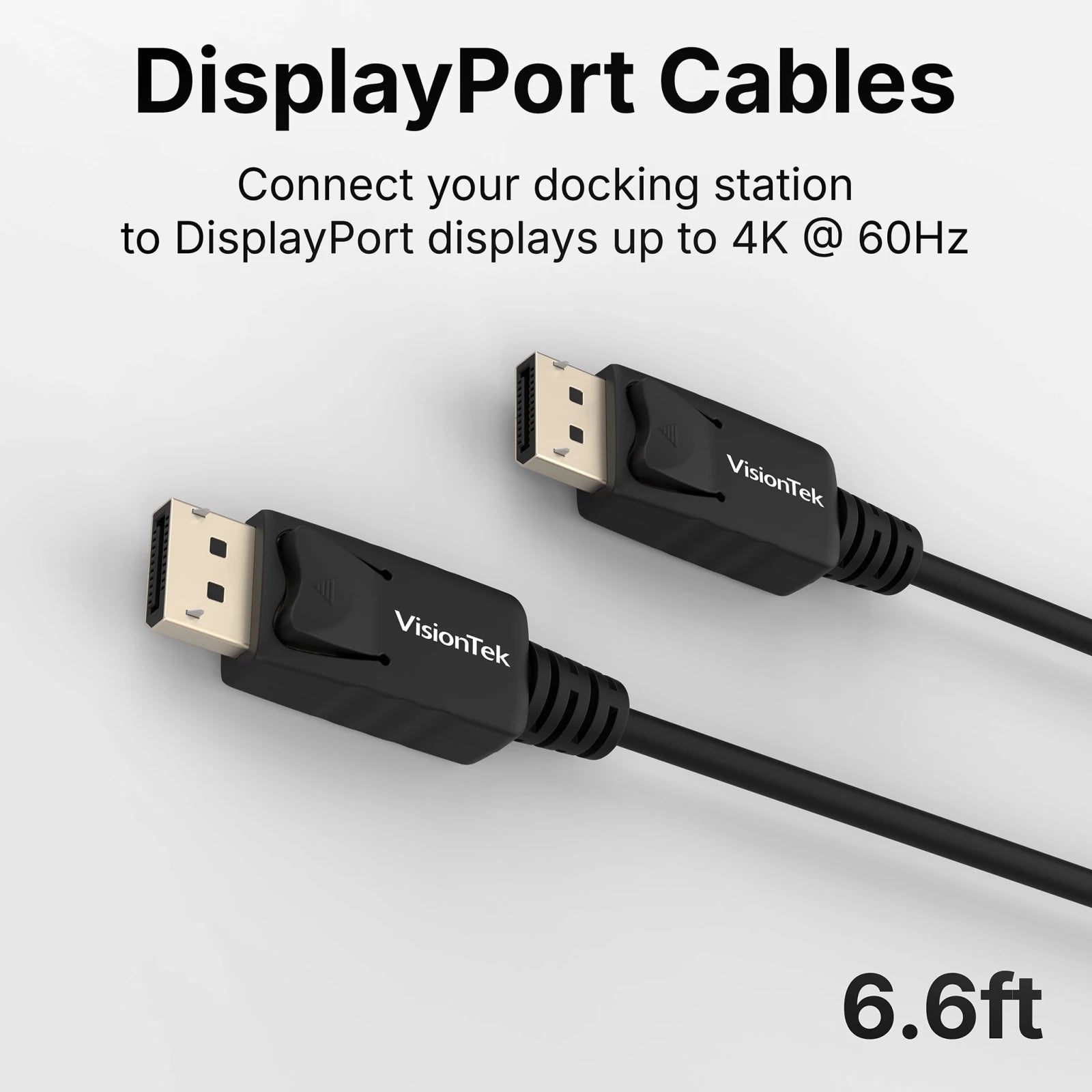
- DisplayPort Cables x2 - Connect monitors immediately and remove compatibility guesswork. No additional purchases required.
- USB-C Cable - Add devices or charge peripherals without disrupting the primary workstation connection.
- Cable Ties - Keep workspace connections controlled and organized.
DisplayLink Drivers required for full functionality. Download the latest drivers from: DisplayLink.com
Complete Your Tech Set Up
Free Shipping Over $50
Call Our U.S.-Based Support Team
30-day risk-free returns
Quick Plug-and-Play Set Up
VT1200DL Workspace Essentials Kit | DisplayPort
Premium Performance Without the Premium Price.
Description
Connect and Go.
The VisionTek Workspace Essentials Kit establishes a consistent connectivity standard across the organization. One connection powers monitors, accessories, and devices without the daily unplugging or cable confusion.
Essentials removes small but persistent disruptions that slow teams down.
This kit is the default connectivity foundation for desks and workspaces.
Workspace Essentials Kit Includes
- VT1200DL Docking Station -Centralizes the entire workspace into one stable connection. Plug in once. Everything else stays connected.
- DisplayPort Cables x2 - Connect monitors immediately and remove compatibility guesswork. No additional purchases required.
- USB-C Cable - Add devices or charge peripherals without disrupting the primary workstation connection.
- Cable Ties - Keep workspace connections controlled and organized.
DisplayLink Drivers required for full functionality. Download the latest drivers from: DisplayLink.com
Key Features
System Requirements
Technical Specifications
What's In The Box
Warranty
Frequently Asked Questions
Docking Stations & Hubs
Docking Station Solutions — Choose the Right Fit:

DisplayLink Docks
Universal Compatibility Across Virtually Any System
Seamlessly connect your PC or Mac to
multiple monitors and devices. DisplayLink technology ensures broad system
support for flexible work environments.
- PC & Mac Compatible
- Data Transfer up to 10Gbps
- Add up to 2 Displays
- Multiple USB Ports
USB-C DP Alt Mode Docks
Plug-and-Play Simplicity with No Drivers Required
For systems that support USB-C
DisplayPort Alt Mode, this solution offers fast data transfer, charging, and
easy multi-monitor support through a single USB-C cable.
- PC & Mac Compatible
- Data Transfer up to 10Gbps
- Add up to 2 Displays
- Charging up to 100W
Thunderbolt™3 Docks
Maximum Performance for Power Users and Professionals
Harness industry-leading speed,
graphics expansion, and data transfer via Thunderbolt™ 3. Ideal for creatives,
professionals, and high-performance workstations.
- PC & Mac Compatible
- Data Transfer up to 40Gbps
- Charging up to 87W

USB3.0 DisplayLink Docks
Cost-Effective Connectivity for Legacy Devices
Perfect for extending older systems
without sacrificing productivity.
- PC & Mac Compatible
- Add up to 2 Displays
- Additional USB Ports


Your Perfect Setup is One Accessory Away
Complete your setup with performance-driven accessories made for each other.








Technology that works. People who care.
VisionTek provides thoughtfully designed tech solutions that just works well – backed with expert support from real people you can count on.
If you have any questions, you are always welcome to reach out
-
Contact Us
Use this text to answer questions in as much detail as possible for your customers.
-
Customer Support
Use this text to answer questions in as much detail as possible for your customers.
-
FAQ’s
Use this text to answer questions in as much detail as possible for your customers.
-
Shipping Information
Use this text to answer questions in as much detail as possible for your customers.