
Blog
Tek Briefing: The Latest News from Visiontek

Must Have Travel Tech for Spring Break 2023
Get tech-ready for spring travel with VisionTek’s must-have accessories. From portable USB-C docks and Bluetooth speakers to GaN II fast chargers and MFI-certified charging cables, our travel tech keeps your devices powered, connected, and ready to perform. In this post, discover how compact docking stations, 100W power delivery, and mobile charging solutions can make your trip seamless—whether you're working remotely or unwinding off the grid.
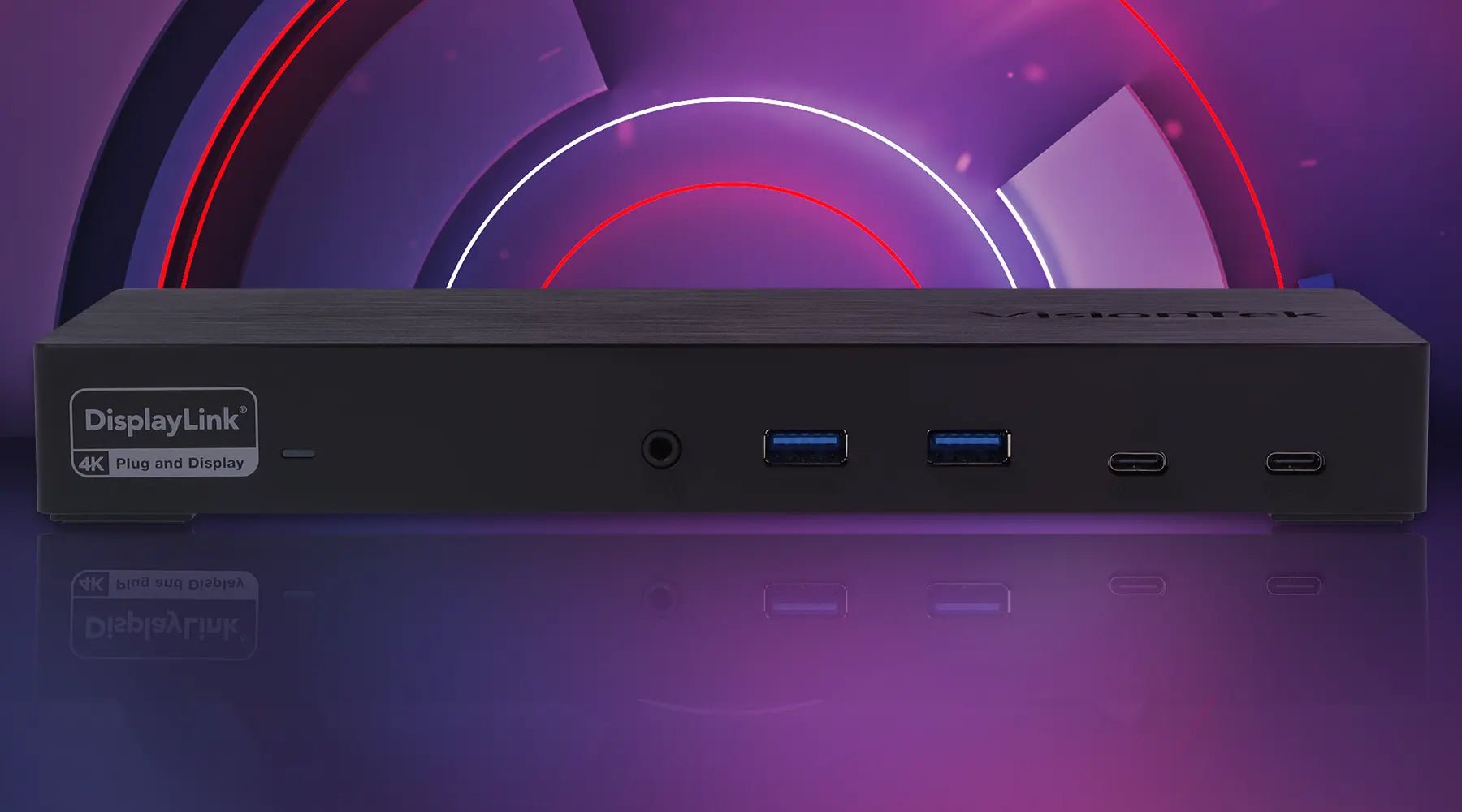
Introducing the VT7400 Triple 4K Display USB-C Docking Station
Meet the all-new VisionTek VT7400 Triple 4K Docking Station—a powerhouse dock built for productivity, portability, and performance. With support for three 4K displays, 100W USB-C power delivery, and 10Gbps data transfer speeds, this universal docking station transforms any USB-C laptop or desktop into a versatile workstation. Ideal for remote work, creative projects, or office setups, the VT7400 also features BC 1.2 fast charging, making it VisionTek’s most future-proof dock yet.
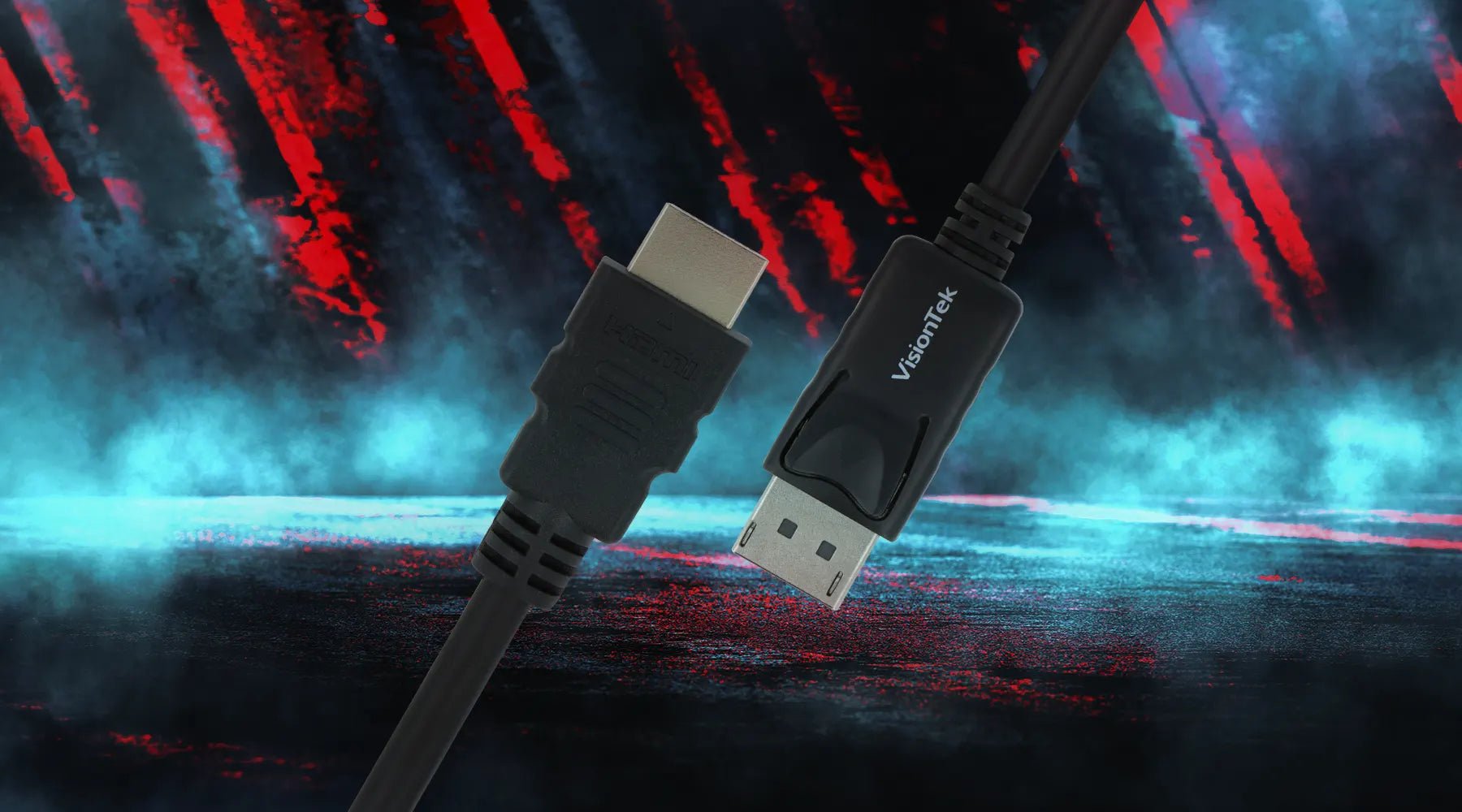
Audio/Video Signal Showdown: DisplayPort vs. HDMI
Choosing between DisplayPort vs. HDMI? Whether you're a gamer, remote worker, or content creator, understanding which AV connection suits your needs is key. HDMI is widely compatible and ideal for consoles, travel, and general use, while DisplayPort excels in multi-monitor setups, high refresh rates, and professional-grade displays. VisionTek offers a full range of docking stations, adapters, and cables to support both protocols—ensuring seamless performance no matter your setup or use case.
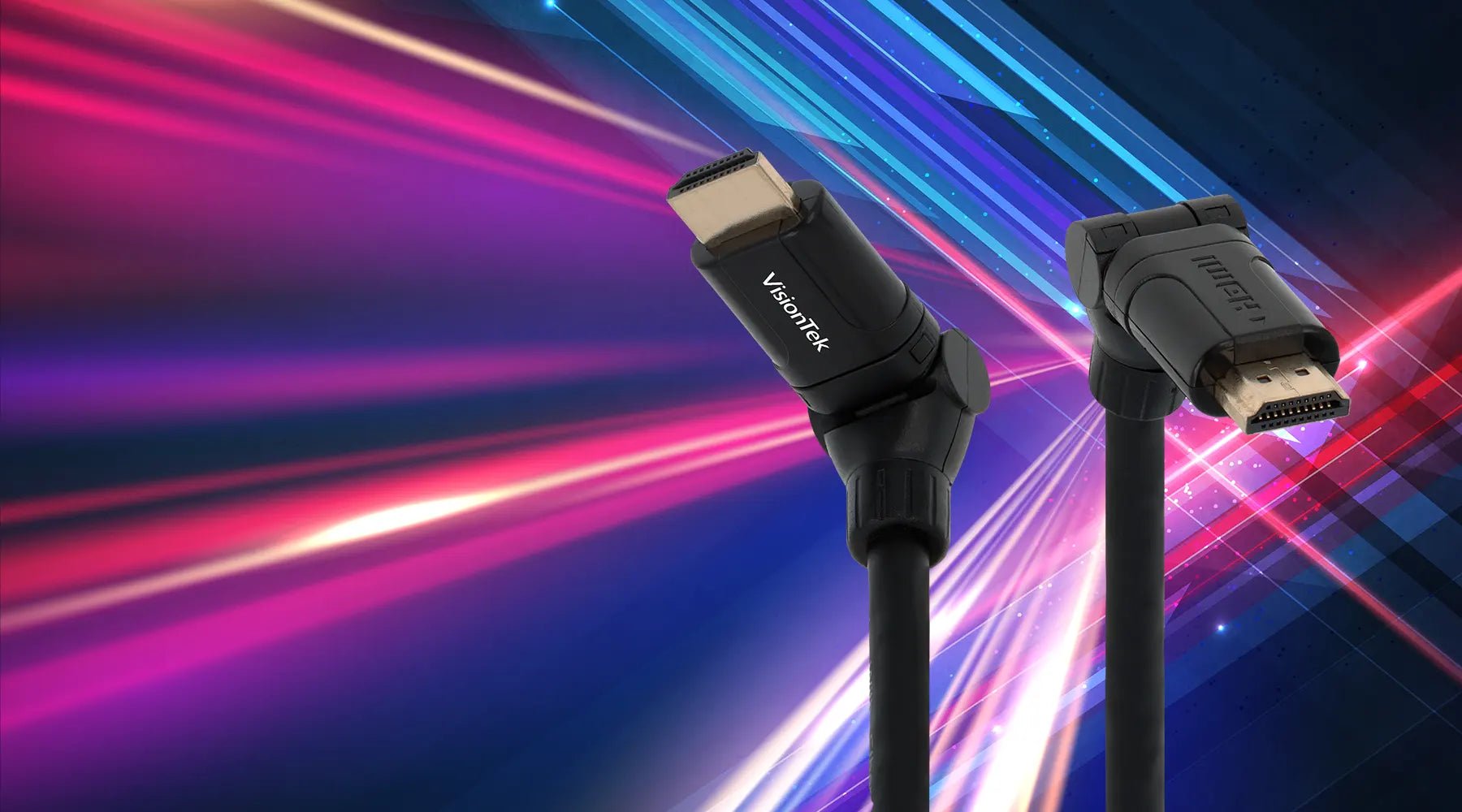
The Many Faces of HDMI – Which Version Do I Have Again?
A proprietary A/V signal transmitter, HDMI stands for High-Definition Multimedia Interface. HDMI standards transmit uncompressed video data and digital audio data from an HDMI-compliant video source device such as a display controller to a compatible computer monitor, video projector, digital television, or digital audio device.
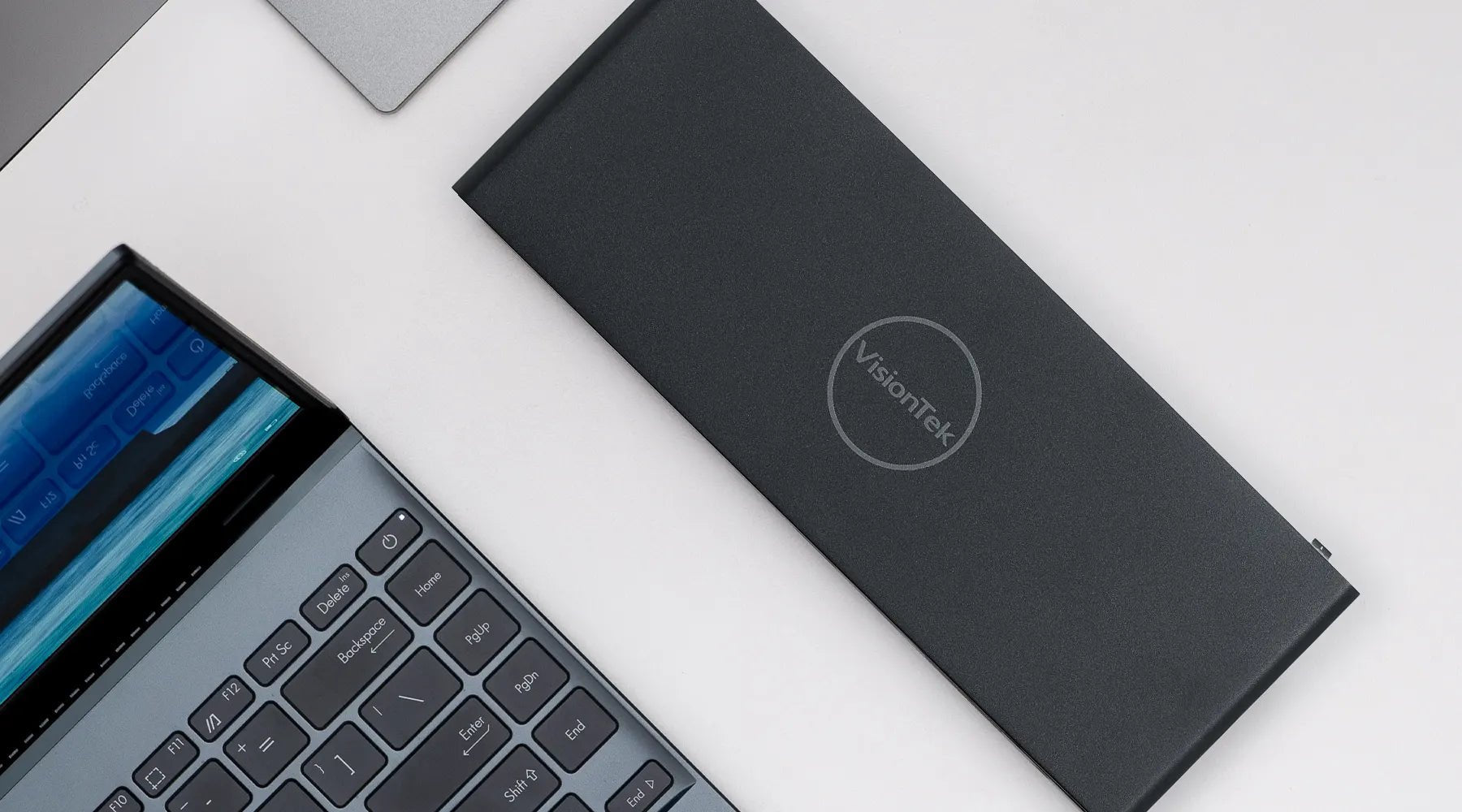
What is DisplayLink? Everything You Need to Know About DisplayLink Docking Stations
Which Docking Station Is Right For Me?
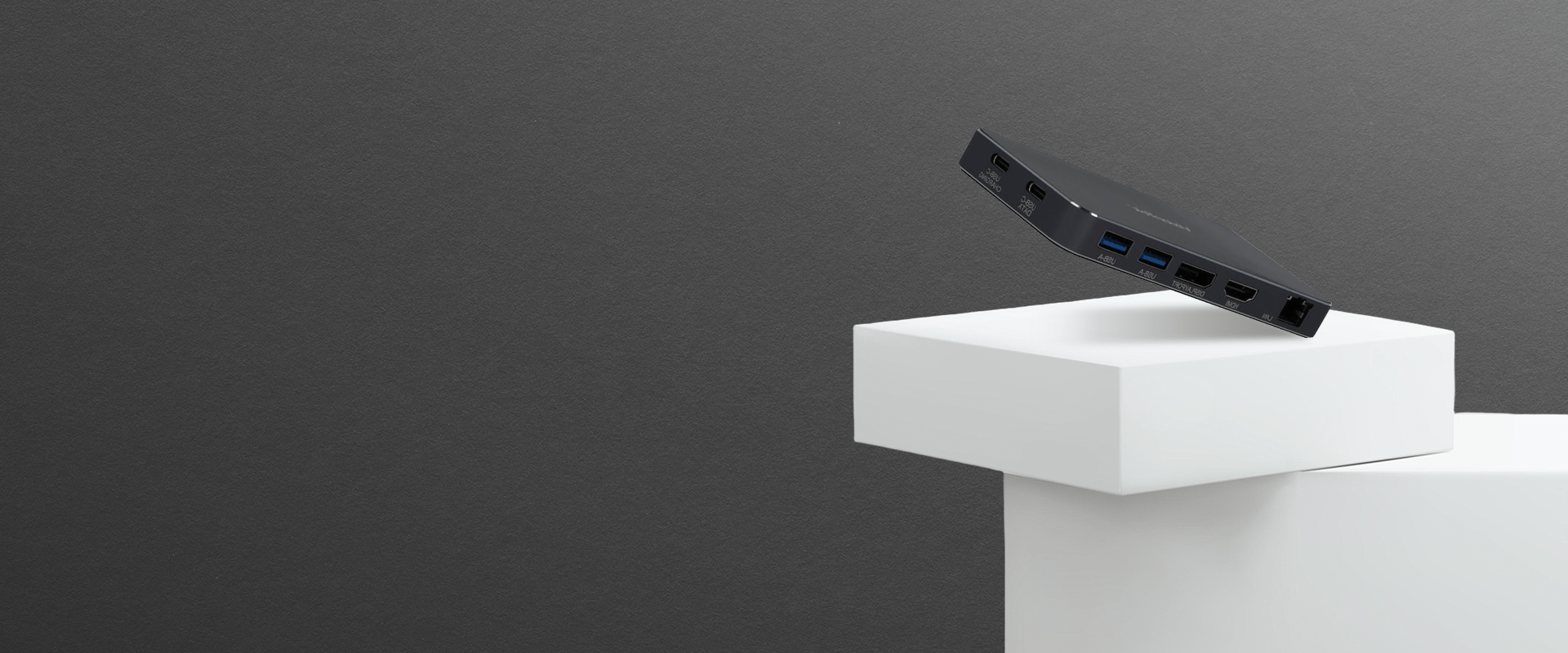
Not sure which docking station is right for your setup? Our quick guide helps you navigate the essentials—from USB-C vs. USB-A, portable vs. stationary docks, to must-have ports like HDMI, Ethernet, and DisplayLink support. Whether you're expanding a MacBook M2 workspace or simplifying your home office, VisionTek’s lineup of laptop docking stations and USB-C hubs ensures seamless connectivity. Discover how to choose the perfect dock for your device, workflow, and travel needs.
DisplayPort – A Comprehensive Look into the Popular Video Connector
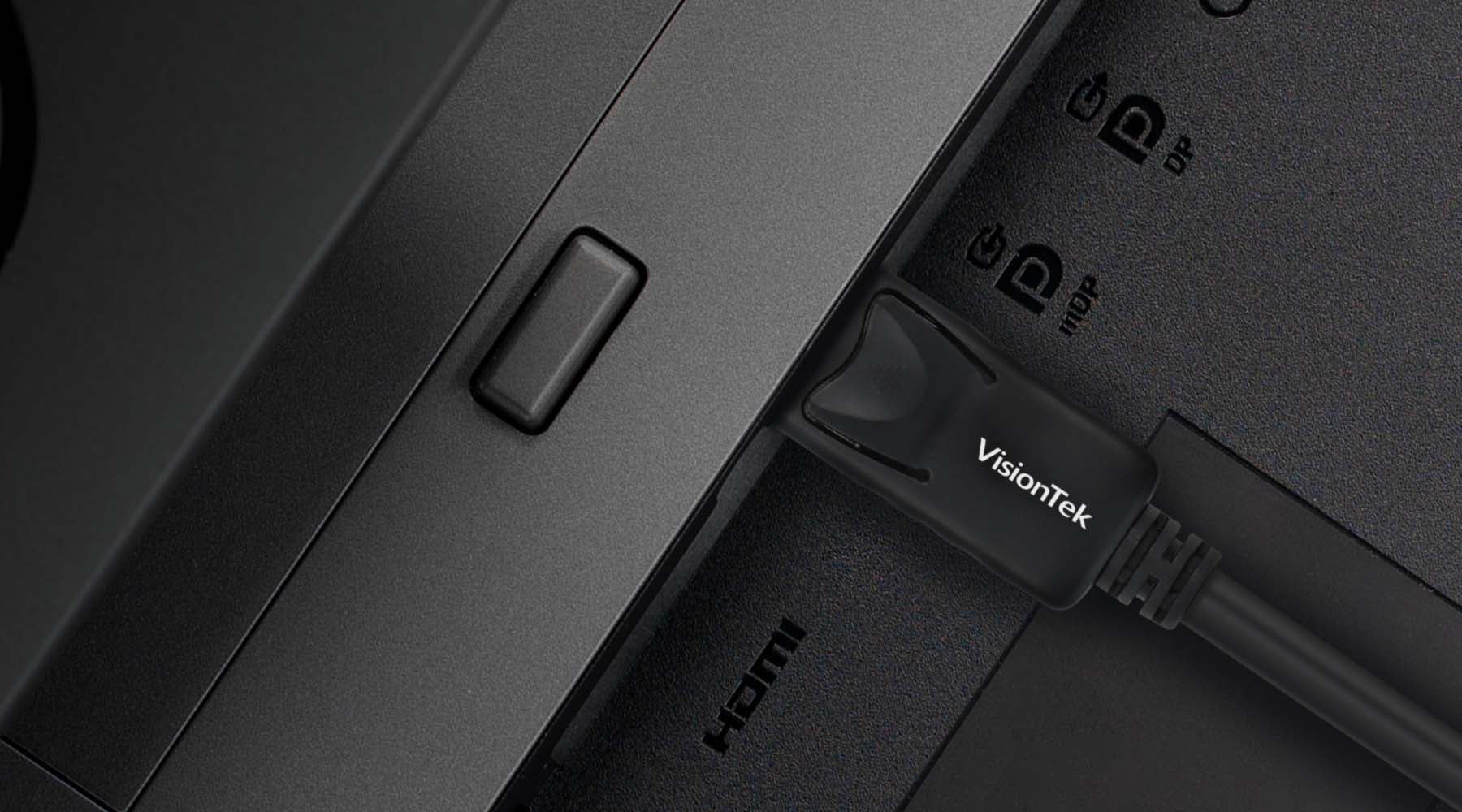
Confused about DisplayPort vs. HDMI, VGA, or USB-C? This guide breaks down the DisplayPort connection type—covering everything from MST daisy chaining and 4K display support to DisplayPort Alt Mode, Dual Mode DP, and HBR bandwidth classes. Learn how VisionTek’s DisplayPort docking stations and adapters empower content creators, professionals, and gamers with reliable, high-performance connectivity across multiple displays.
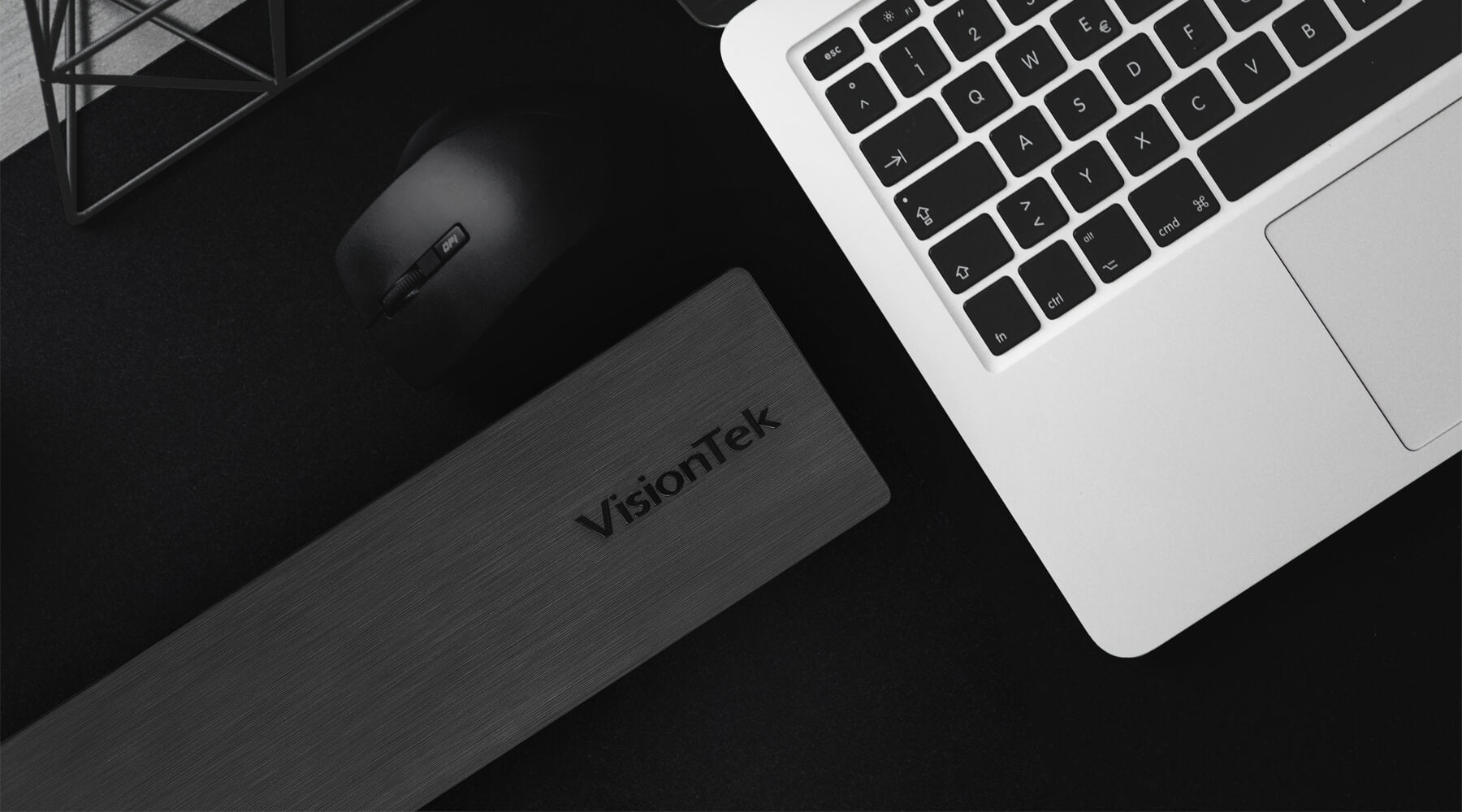
Understanding the Resolutions and Display Capabilities of the VT2000 & VT2500
More to Know About USB-C Connections - (USB-C Continued)
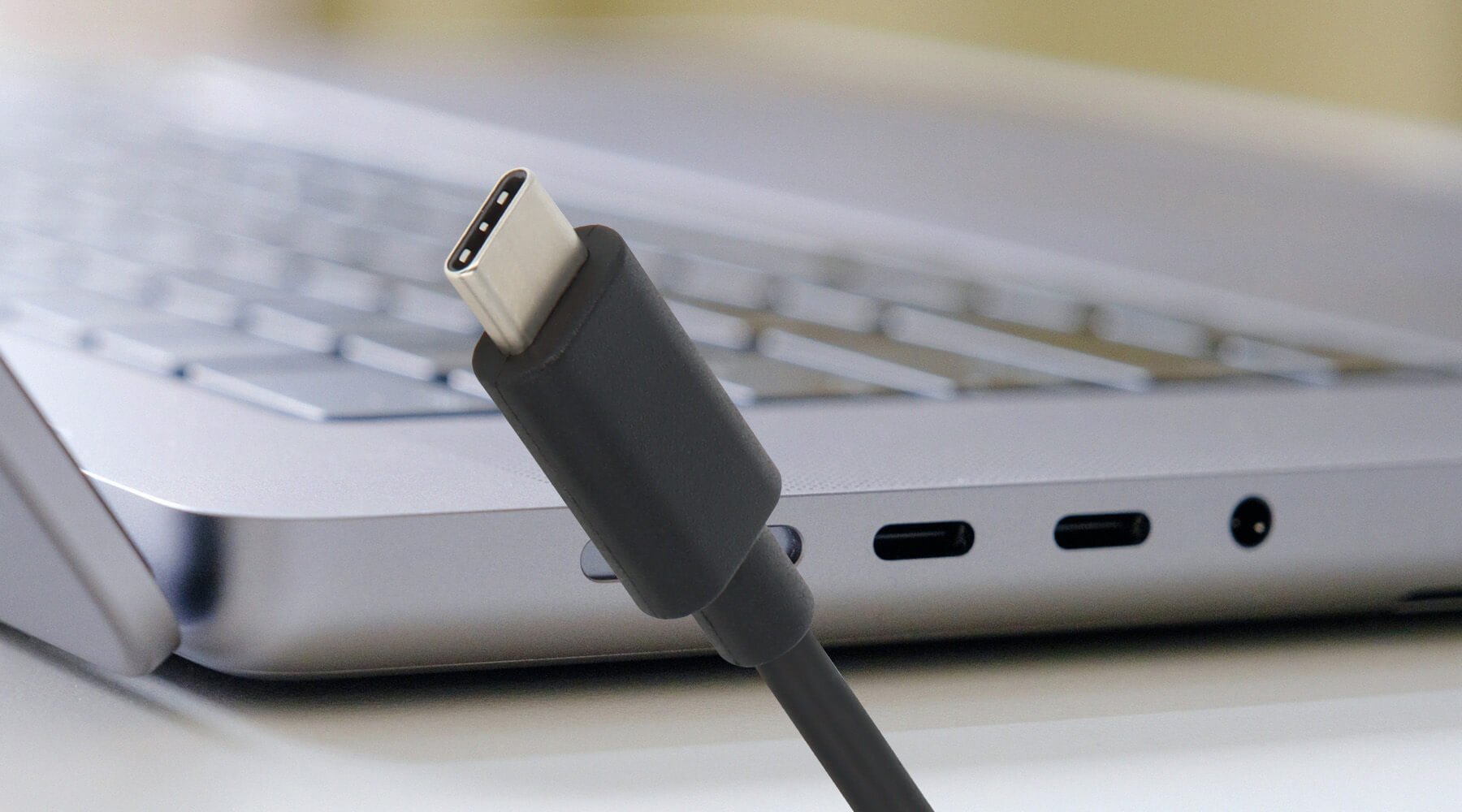
In our last breakdown of USB-C, we walked through the key features separating the USB-C connection type from its predecessors, focusing on the generations of USB technology and the upgrades offered by each of these cables.
As the standard across the board for charging and data transfer, it’s more important than ever to understand the specifics of the USB-C connection type, and its primary features. To review, a few of the most important elements of the USB-C connection type are: