

Blog
Tek Briefing: The Latest News from Visiontek
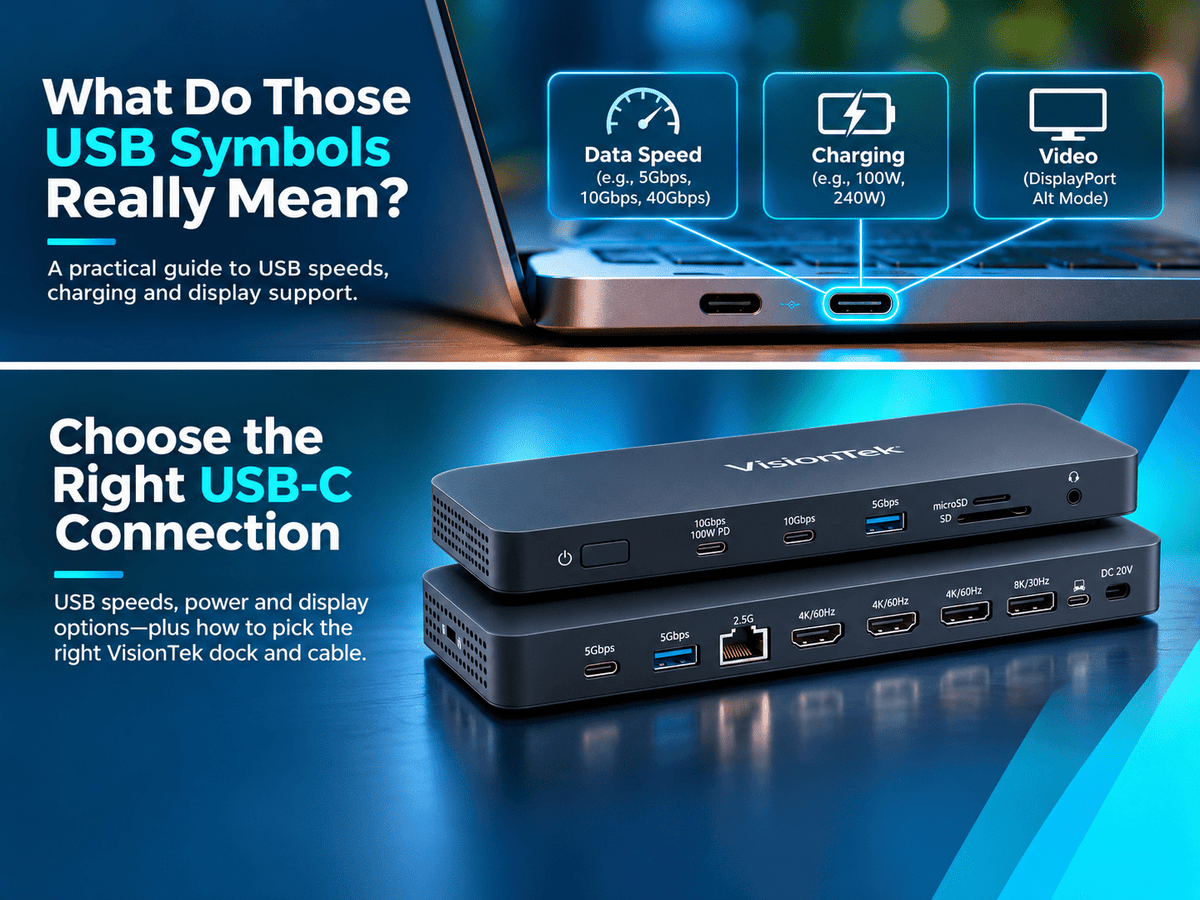
USB-C Isn’t What It Seems: Speeds, Charging & Video Explained
USB-C ports may look identical, but their capabilities can be very different. Learn how to read USB speed labels, charging ratings, and display markings so you can choose the right cable, dock, and connection for your setup.
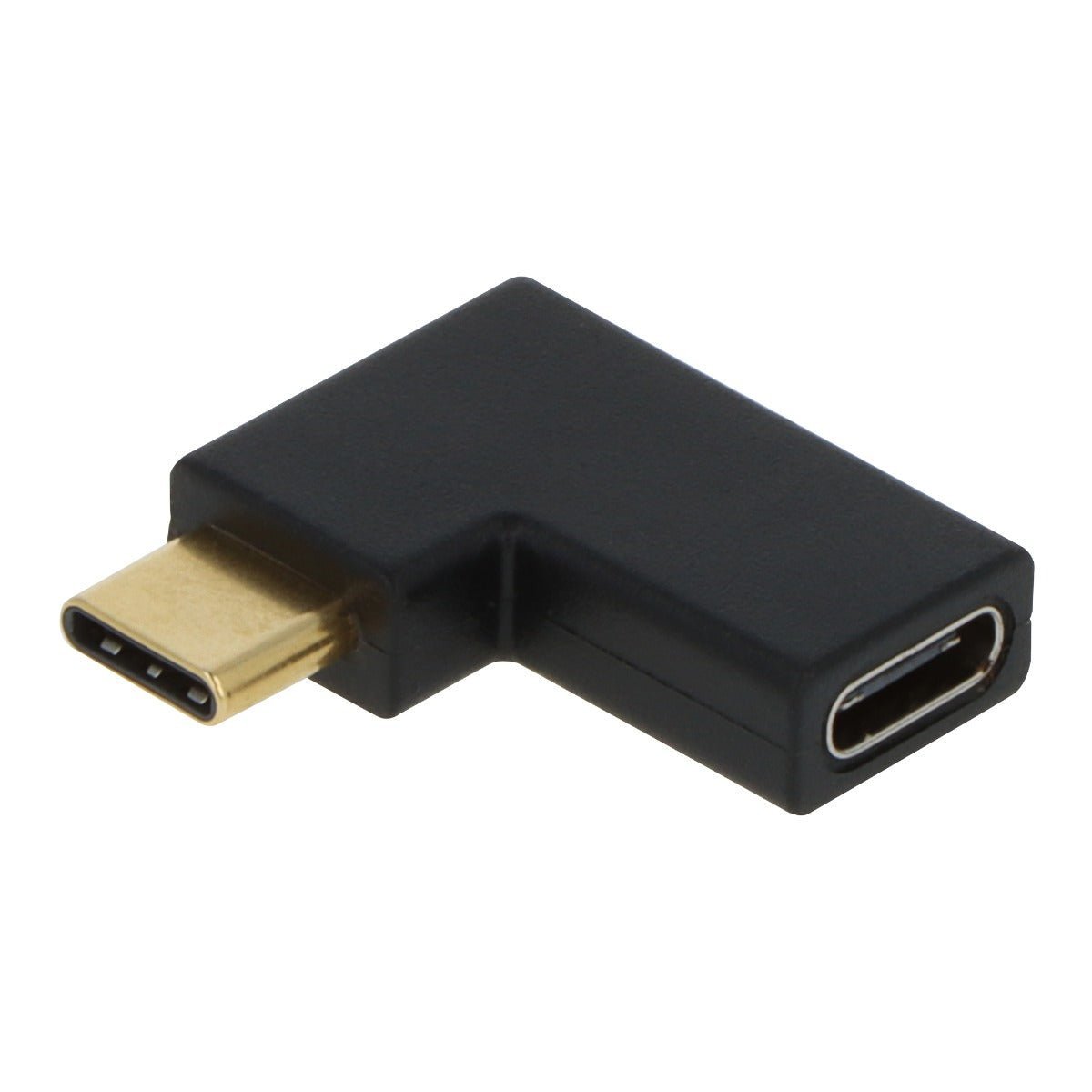
Staff Picks: Three Small Adapters That Solve Surprisingly Annoying Problems
New laptop, wrong port? Dead Ethernet connection? Cables crowding your mouse? Discover three VisionTek staff picks that connect USB-A accessories to USB-C devices, restore wired networking, and tidy up tight spaces without replacing your setup.
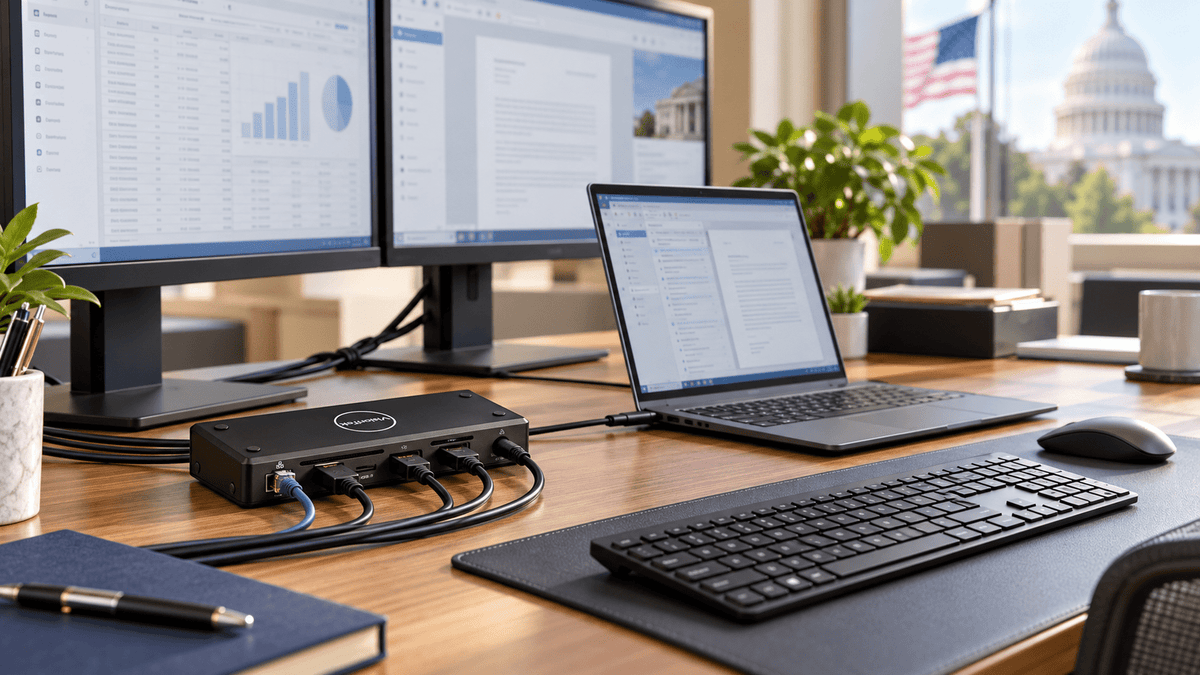
Buying Government IT? ~ A Practical Guide to TAA Compliance and NDAA Section 889
New to government IT purchasing? Understand how TAA compliance and NDAA Section 889 affect product selection and supplier review. Explore VisionTek’s TAA-compliant connectivity options and direct access to Chicago-based technical support.
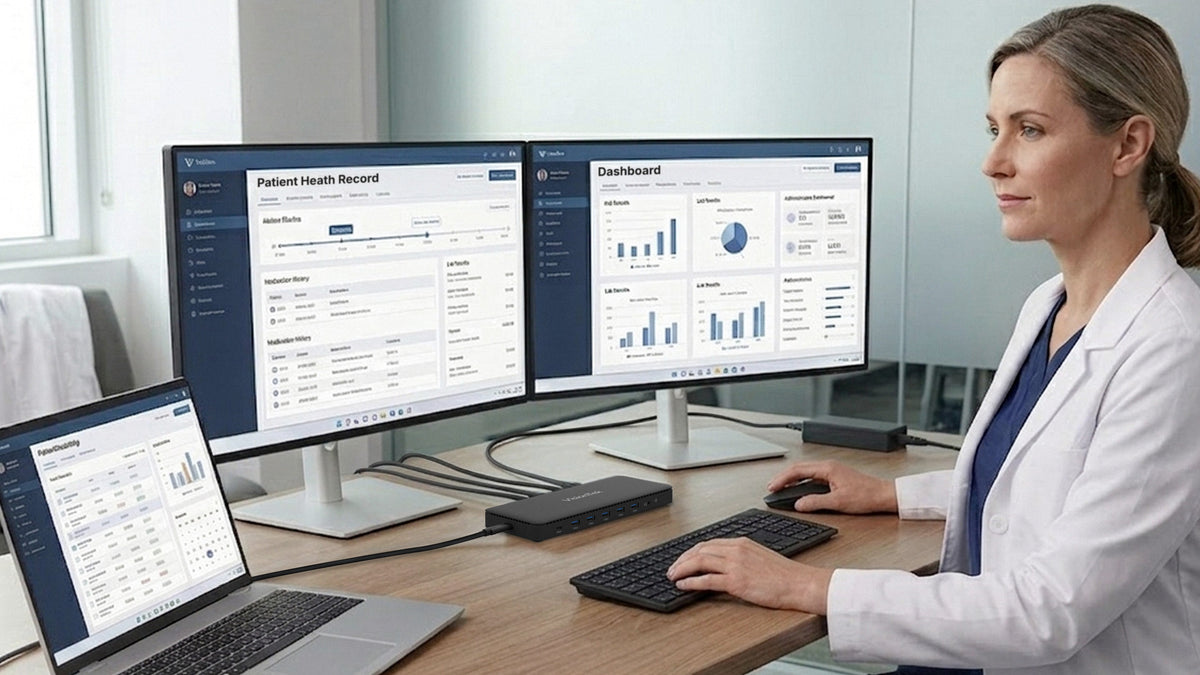
Better Healthcare Workstations: More Time for What Matters
Better Healthcare Workstations: More Time for What Matters – VisionTek.comFrom medical billing to quality and regulatory work, the right workstation helps keep essential information within reach. Explore VisionTek docking stations and cables for practical dual-monitor setups, more demanding workflows, and work across locations.
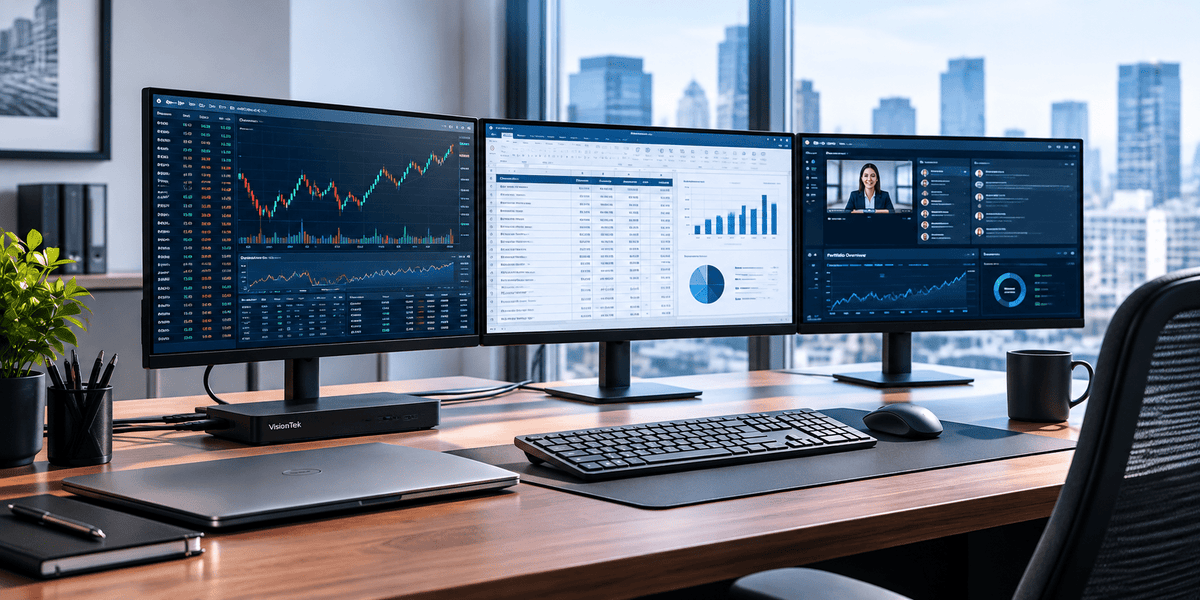
Build Better Financial Workstations for Analysts and Advisors
Financial professionals work across multiple applications, dashboards, and data sources every day. See how the right mix of docking stations, multi-monitor setups, and adapters can reduce friction, simplify connectivity, and help analysts, advisors, traders, and hybrid teams work more efficiently.
USB-C Isn’t What It Seems: USB4 & Thunderbolt Guide
USB-C ports all look the same. What they can actually do is another story. Learn how USB4, Thunderbolt, docks and cables affect compatibility before your next IT refresh.thunderbolt
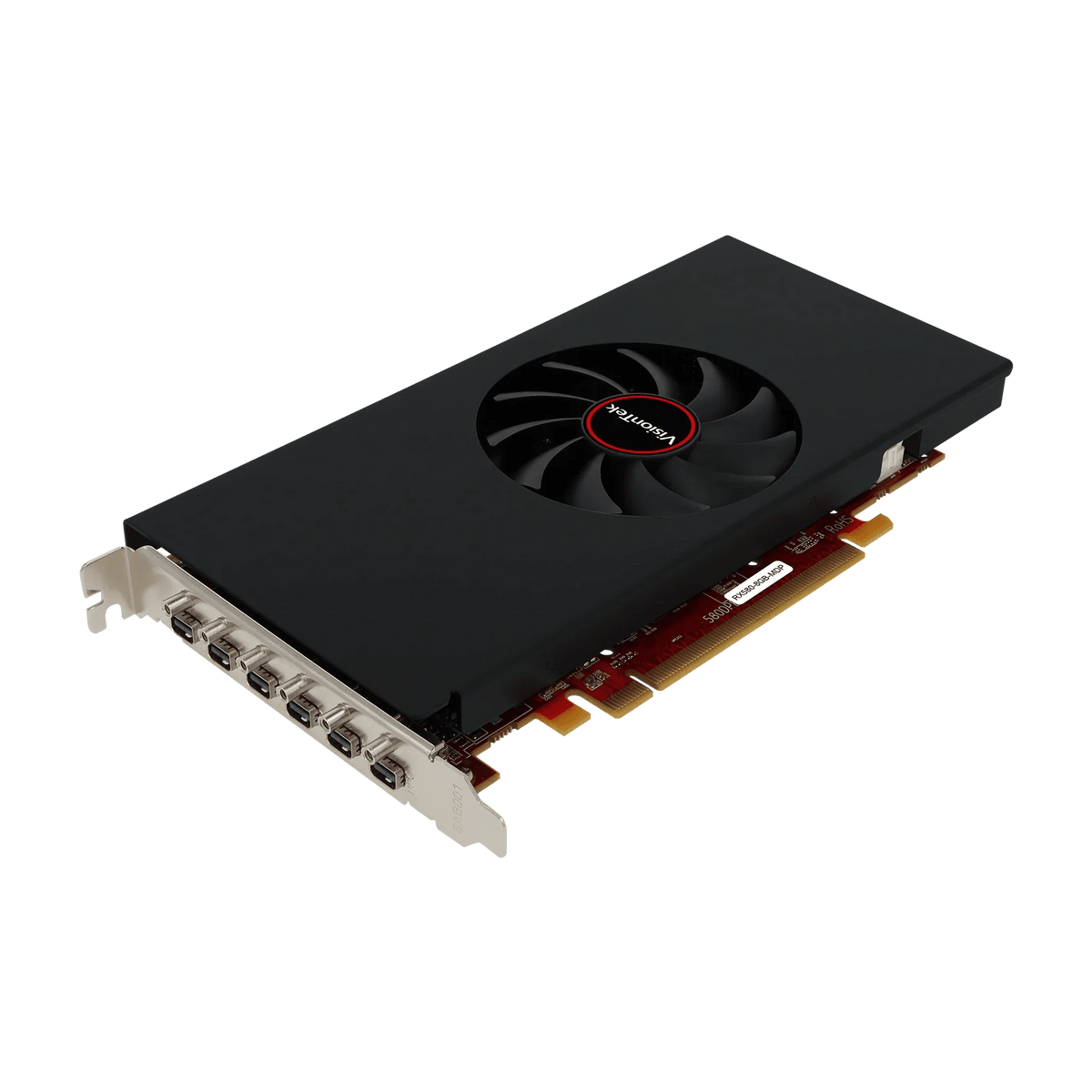
VisionTek Radeon RX 580: Six-Display Graphics for Business
The VisionTek Radeon RX 580 is built for professionals who need more screen space, clear 4K visuals, and reliable multi-display performance. See how six-display support can improve modern business workflows.
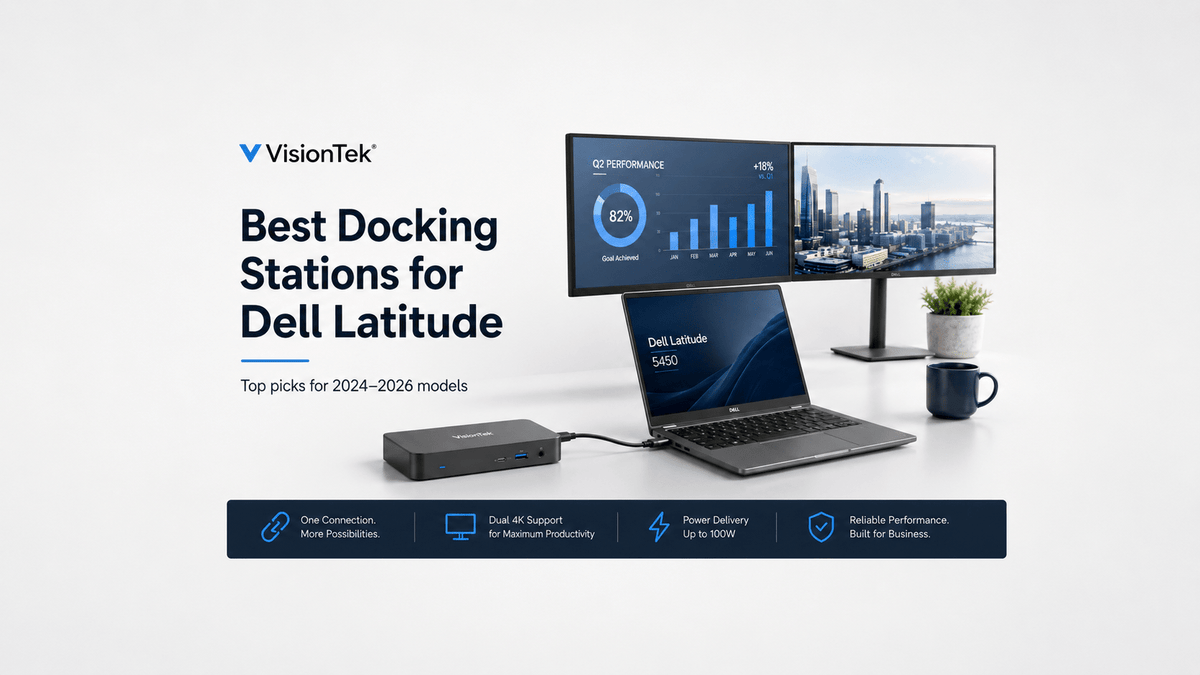
Best Docking Stations for Dell Latitude Laptops (2024–2026)
Looking for the best docking station for a Dell Latitude laptop? Compare three VisionTek docking stations for dual 4K, quad 4K, charging, and multi-monitor workstations.
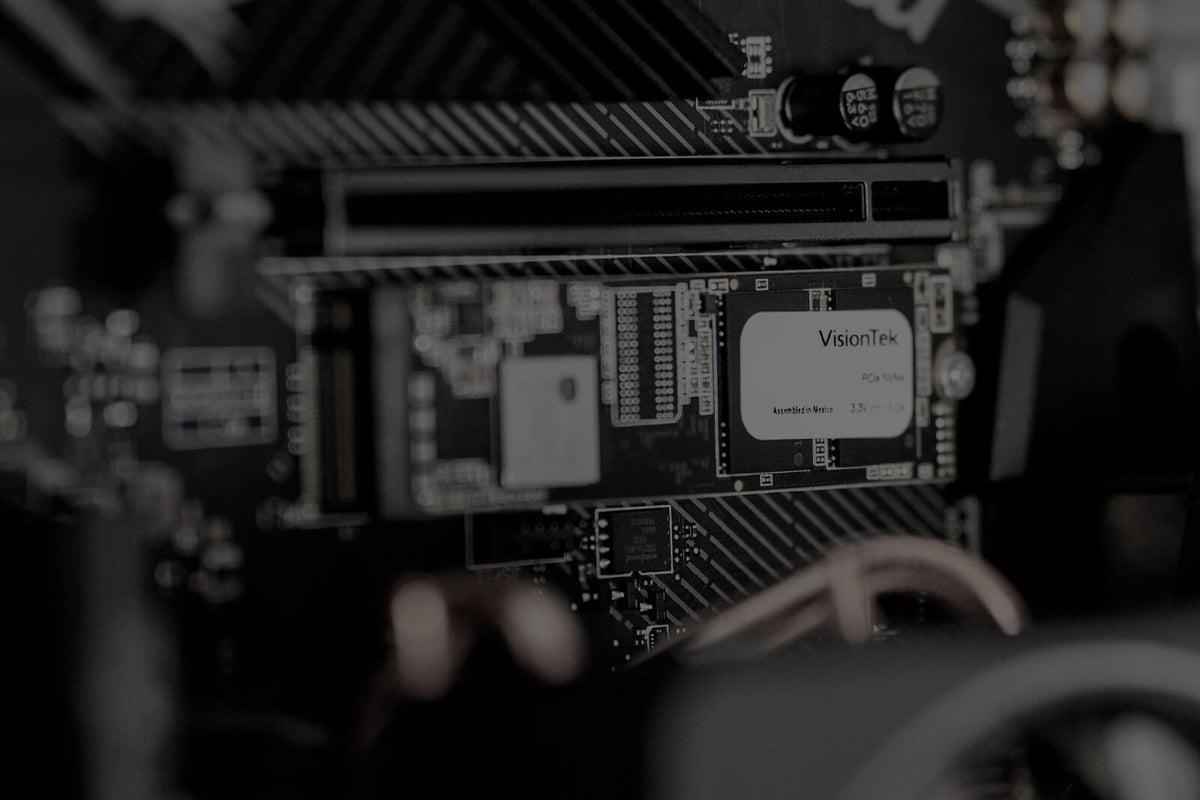
What is an SSD? Why It Makes Your Computer Faster...
An SSD is your computer's long-term storage, but how does it actually work? Learn why solid-state drives replaced traditional hard drives and how they affect everyday computer performance.