

College comes with a lot of places to “study.”
Your bed. The floor. The student lounge. A coffee shop table that is somehow always sticky. A library desk next to someone eating the loudest granola bar ever created.
At some point, every student needs one reliable place where their brain understands: this is where work gets done.
That place does not need to look like a Pinterest board. It does not need color-coded acrylic organizers, a $700 chair, or a desk lamp that looks like it belongs in an architecture magazine. It just needs to be clean, comfortable, and easy to use.
Here’s how to set up a clean, focused desk space that helps you study, write papers, attend online classes, and keep your tech from turning into a pile of mystery cords.
Start with the real goal: less friction
A productive desk setup is not about having more stuff. It is about removing tiny problems that make studying harder than it needs to be.
Think about the last time you sat down to work and immediately got distracted because:
- Your laptop battery was low.
- You couldn't find your charger.
- Your desk was covered in cups, notebooks, snacks, and laundry.
- Your laptop screen felt too small for a research paper, notes, and 14 open tabs.
- Your online class camera angle made it look like you were calling in from under the desk.
None of those things are huge problems by themselves. But together, they create friction. And when studying already requires motivation, friction is the enemy.
A better desk setup should make it easier to sit down, plug in, and get started.
Keep only what you use every day
Dorm desks are small. That means every item on the desk has to earn its spot.
A good rule: if you do not use it during a normal study session, it probably does not need to live on your desk.
Keep these within reach:
- Your laptop
- A notebook or planner
- Pens or pencils
- Water bottle
- Headphones
- Your charger or docking station
- A small lamp if your room lighting is not great
Everything else can go in a drawer, bin, backpack, shelf, or under-bed storage.
This is not about being perfectly minimal. It is about giving your brain fewer things to look at when you are trying to focus.
Create a one-cable routine
One of the easiest ways to make a dorm desk feel cleaner is to reduce cable clutter.
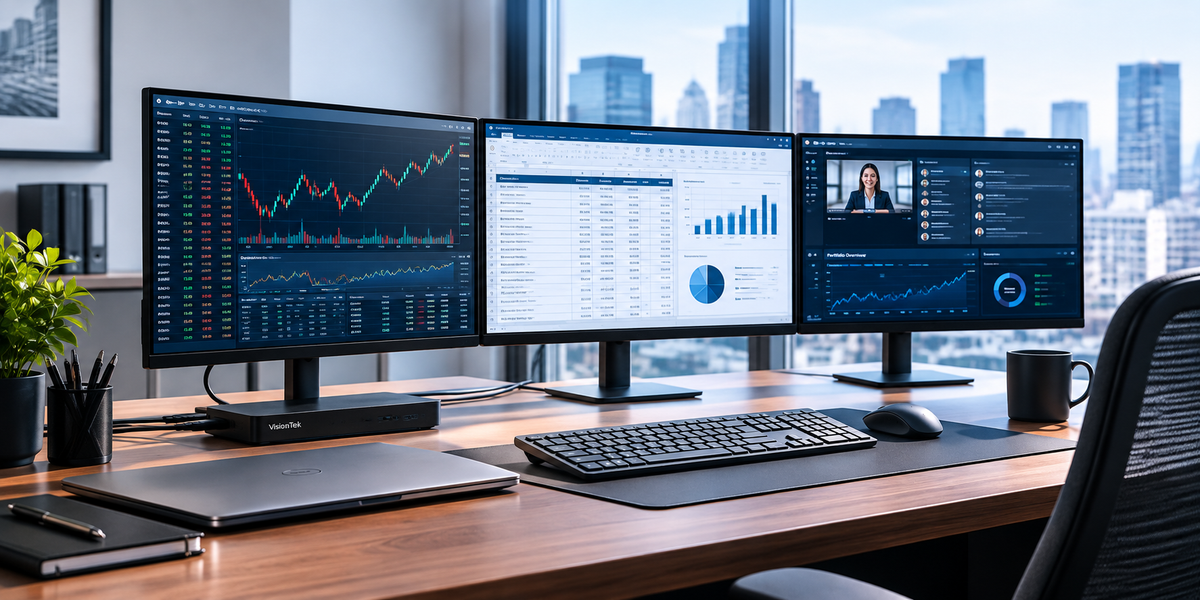
Instead of plugging in a charger, monitor, keyboard, mouse, webcam, and other accessories one by one, use a docking station as the center of your setup.
For students with limited space, the VisionTek VT350 Portable USB-C Dock is a smart option because it gives you a compact way to connect your laptop to displays, USB devices, Ethernet, and power passthrough. It is especially useful if you move between your dorm, library, and home on breaks.
For students who want a more complete desk setup, the VT1200DL Workspace Meeting Ready Kit could work well for a college student because it gives them a more complete dorm-desk setup in one box instead of making them figure out which accessories they need separately.
The goal is simple: sit down, connect one cable, and get to work.

Product Highlight
VT1200DL Workspace
Meeting Ready Kit
The VisionTek Workspace Meeting Ready Kit standardizes both connectivity and collaboration. One connection activates monitors and devices while a dedicated webcam ensures clear, professional video presence.
- ✓Docking Station: Centralizes your entire workspace into one stable connection. Plug in once, and everything else stays connected.
- ✓Webcam: Collaborate with a standard, professional presence in online classes, virtual group projects, or meeting with professors.
- ✓Display Cables: Connect your monitors immediately and remove the guesswork.
- ✓USB-C Cable: Expand your setup without compromise. Charge your phone or connect an accessory with total flexibility.
- ✓Cable Ties: Keep workspace connections controlled, tidy, and organized.
Add a second screen if your coursework requires multitasking
Not every student needs an external monitor. But if you spend a lot of time writing, researching, coding, designing, editing, or attending virtual classes, a second screen can make your life easier.
A second display lets you keep your paper on one screen and your research on another. Or your lecture on one screen and your notes on another. Or your spreadsheet on one screen and your assignment instructions on another.
This is not about looking fancy. It is about reducing the constant tab-switching that makes studying feel more chaotic than it needs to be.
If your dorm desk is very small, even one external monitor can make a big difference. Pair it with a dock, an external keyboard, and a mouse, and your laptop suddenly feels less like a cramped screen and more like a real study station.
Make online classes and interviews less awkward
College is not just in-person lectures anymore. Students are also doing virtual office hours, remote internships, online classes, group projects, and job interviews.
A good webcam can help you show up more professionally without overthinking it.
The VisionTek VTWC40 1080p Autofocus Webcam with a built-in ring light is a simple upgrade for students who want clearer video and audio for Zoom, Teams, Google Meet, and other platforms. It also includes a privacy cover, which is a small but appreciated detail when your dorm room is also your bedroom, closet, dining area, and occasional laundry staging zone.
Good video does not guarantee a great interview, but it does remove one more thing to worry about.
Charge everything without taking over every outlet
Dorm outlets are precious. Somehow you need to charge a laptop, phone, tablet, earbuds, watch, lamp, and maybe three other things you forgot you owned.
A multi-port charger can help keep the desk cleaner and make packing easier when you leave for the weekend.
The VisionTek 100W GaN II Power Adapter has four ports, including USB-C and USB-A, so you can charge multiple devices without needing a separate adapter for each one. For students, that can mean fewer bricks in the backpack and fewer chargers fighting for outlet space behind the desk.
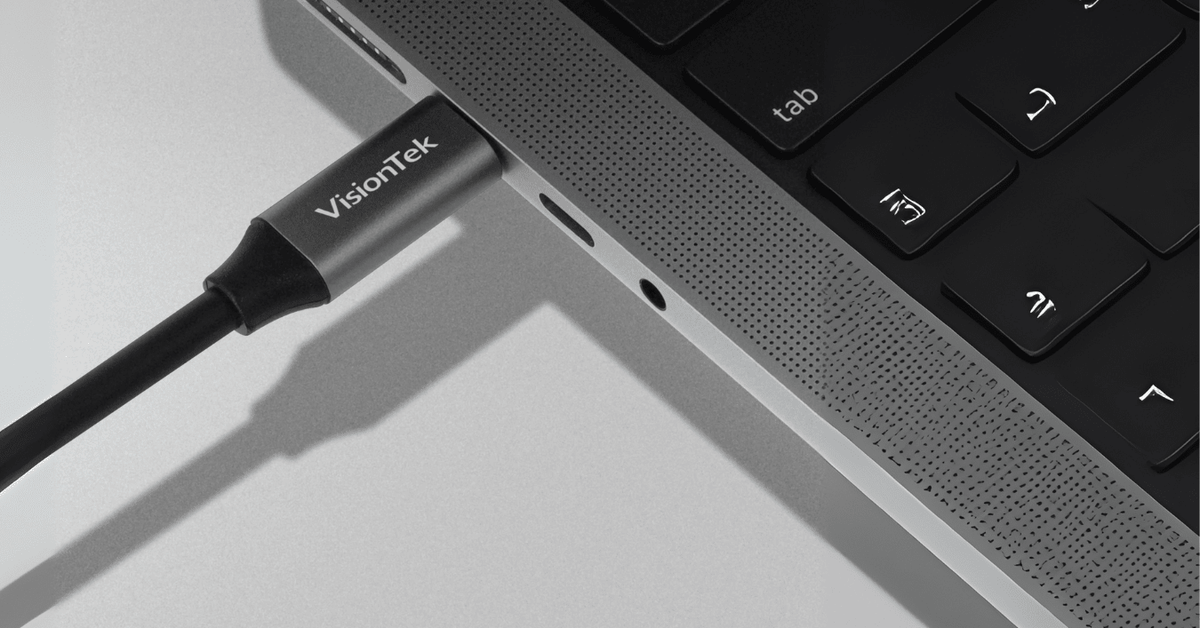
Pair it with a reliable USB-C cable, like a VisionTek USB-C to USB-C cable with 100W Power Delivery, and you have a cleaner charging setup that works for laptops, tablets, monitors, docks, and other USB-C accessories.
Give every cord a home
Even with the right tech, cords can still make a desk feel messy.
Try this:
- Run cables behind the desk when possible.
- Use cable ties or clips to keep cords from sliding onto the floor.
- Keep one main charging cable at the desk and one in your backpack.
- Do not let unused cords live on the desktop.
- Label similar-looking cables if you have roommates or share a space.
This is a tiny habit, but it makes your desk feel calmer almost immediately.
Keep the bed for sleeping, not studying
Yes, studying in bed feels comfortable.
For about 11 minutes.
Then your back hurts, your laptop is overheating on a blanket, your notes are sliding everywhere, and your brain starts thinking maybe this would be a good time to watch one episode of something. Just one. Definitely only one.
Using your desk as your default study spot helps create a boundary. Bed is for rest. Desk is for work.
That boundary matters in a dorm room because the room is already doing too many jobs. The clearer you make your study zone, the easier it is to get into focus mode.
Do a five-minute reset every night
The best desk setup will not stay clean by accident.
Before bed, take five minutes to reset:
- Throw away wrappers and cups.
- Put notebooks back where they belong.
- Plug in your laptop or dock.
- Move laundry off the chair.
- Put your backpack near the door.
- Clear the center of the desk.
That is it. A clean desk in the morning makes it easier to start the day without feeling behind before you even open your laptop.
The best dorm desk is the one you will actually use
You do not need to build the perfect desk setup before you can be productive.
Start small.
Clear the surface. Improve the lighting. Keep your charger where you can find it. Add a dock if you want one clean connection. Use a second screen if your coursework would benefit from it. Upgrade your webcam if online classes or interviews are part of your semester.
The goal is not to make your dorm desk look impressive.
The goal is to make studying feel easier to start and easier to stick with. Plus, because we want your setup to be as reliable as it is functional, our docking stations are backed by a 3-year warranty, giving you the confidence that your equipment will easily power you through to graduation.
A clean, connected desk will not write the paper for you. Unfortunately.
But it can make sitting down to write it a whole lot less annoying.
Ready to build a workspace that actually works?
Shop our essential dorm room tech and create the ultimate college desk setup today.
Share:
Master Your Workflow: Why Modern Professionals and Creators are Moving to the VT5400 Thunderbolt 4 Dock
Work Starts Here: Introducing VisionTek Workspace Kits