
Massive Bandwidth for Serious Creators
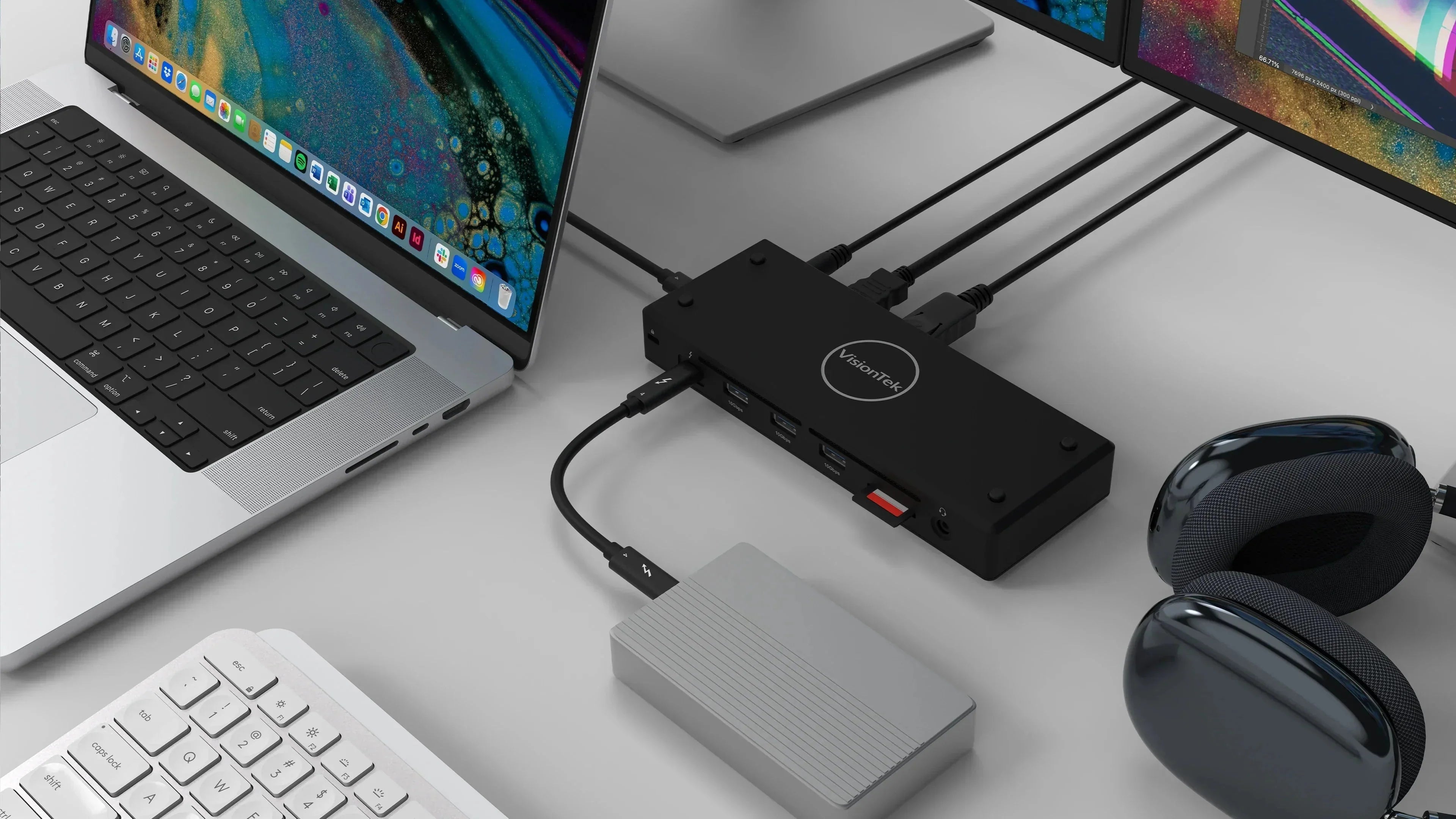
The headline feature here is 40Gbps Thunderbolt 4 performance. For those moving 4K raw footage or massive data sets, speed isn't a luxury—it's a requirement. The VT5400 is also future-ready, offering full compatibility with Thunderbolt 5, Thunderbolt 3, and USB4 systems.
-
Premium Display Support: Designed with high-end creative workflows in mind, the VT5400's Thunderbolt 4 downstream port provides native support for the Apple Studio Display and the Pro Display XDR. Whether you’re color-grading on a 5K canvas or utilizing the extreme dynamic range of the XDR, this dock ensures your most critical visual tools perform at their peak.
- Move Files Faster: With five USB-A 3.1 Gen 2 ports (10Gbps) and an SD 4.0 card reader, your offloading process becomes a breeze.
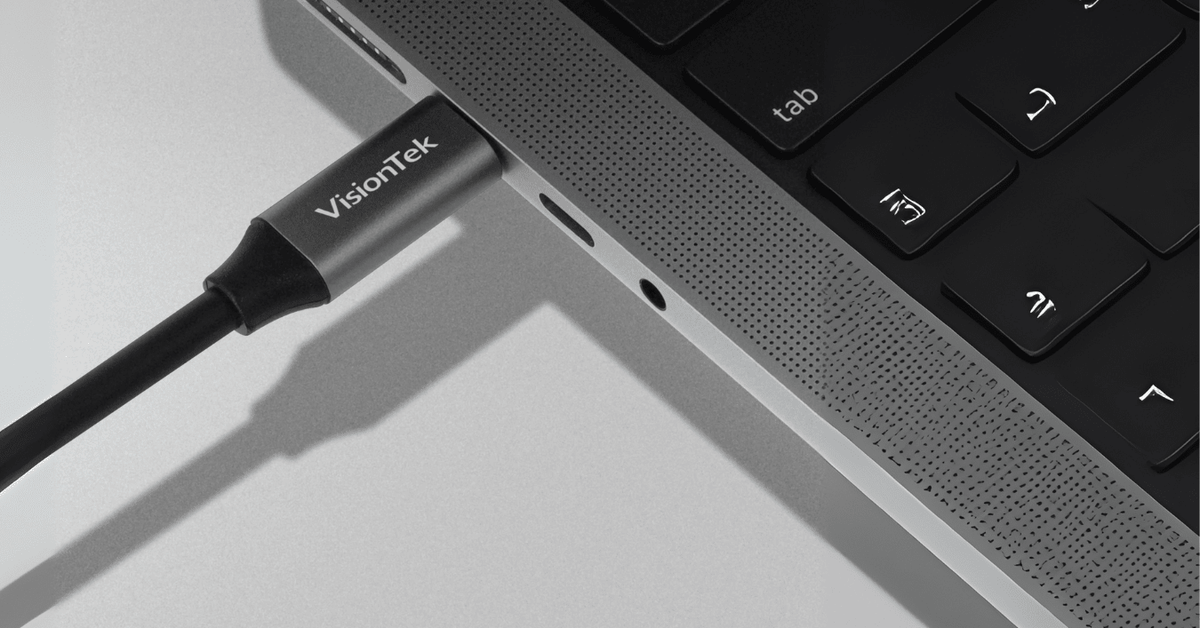
- Single Cable Simplicity: One Thunderbolt 4 cable provides 80W of Power Delivery to your laptop while handling all your data and video.
Visual Clarity: Dual 4K or Single 8K
Whether you’re color-grading a film, editing photos or managing complex spreadsheets, screen real estate is king.
The VT5400 supports:
- Dual 4K @ 60Hz: Perfect for a side-by-side monitor setup.
- Single 8K Display: For those who need the absolute pinnacle of resolution and detail.
Note for Mac Users: While the VT5400 is a MacBook Pro essential, remember that base M1, M2, and M3 chips support one external display natively. Users with Pro and Max chips can take full advantage of the dual-monitor capabilities.
Plug & Play Simplicity
Some advanced docks require driver installations and software setup. The VT5400 does not. This native Thunderbolt experience is one of the dock’s biggest advantages, offering a seamless "it just works" experience that saves time and reduces IT headaches.
Setup takes just minutes:
- Connect the dock to power.
- Connect your displays and peripherals to the dock.
- Connect your laptop via the included Thunderbolt 4 cable.
- Start working.
Built for the Modern Enterprise
Beyond the creative studio, the VT5400 is a favorite for IT managers and government procurement. It is TAA Compliant, meaning it meets the necessary requirements for government and high-security corporate deployments.
It also includes "hidden" IT hero features that make office management easier:
- MAC Address Pass-Through & PXE Boot: Essential for network management.
- Wake on LAN: For remote updates and access.
- Kensington Lock Slot: To keep your hardware secure in shared workspaces
Is the VT5400 Right for You?
| You Should Choose the VT5400 if... | Highlights |
|---|---|
| You are a Creative Pro | SD 4.0 Reader + 40Gbps speeds + Studio Display support |
| You want a clean desk | One cable charges (80W) and connects everything |
| You work in Gov/Corporate | TAA Compliant + Enterprise security features |
| You have a Thunderbolt Mac | Native support with no drivers required |
Transform Your Workspace
If you’re ready to stop compromising on your desk setup, the VT5400 offers the reliability and performance that premium professionals demand. It’s time to move large files, connect beautiful displays, and keep your workflow moving without interruption.

Product Highlight
VisionTek VT5400 Thunderbolt 4 Dock
Built for creators, professionals, and enterprise workstations. Expand your laptop into a full performance setup with dual 4K displays, 40Gbps Thunderbolt 4 speed, and one-cable simplicity.
- ✓ Dual 4K monitor support for Windows and macOS*
- ✓ Up to 80W USB-C Power Delivery
- ✓ Driver-free plug and play setup
*Base M1, M2 and M3 chips support one extended display.

Share:
One Desk, Two Laptops: How to Choose the Right KVM Dock for Your Hybrid Setup
The Dorm Desk Setup That Actually Helps You Focus