
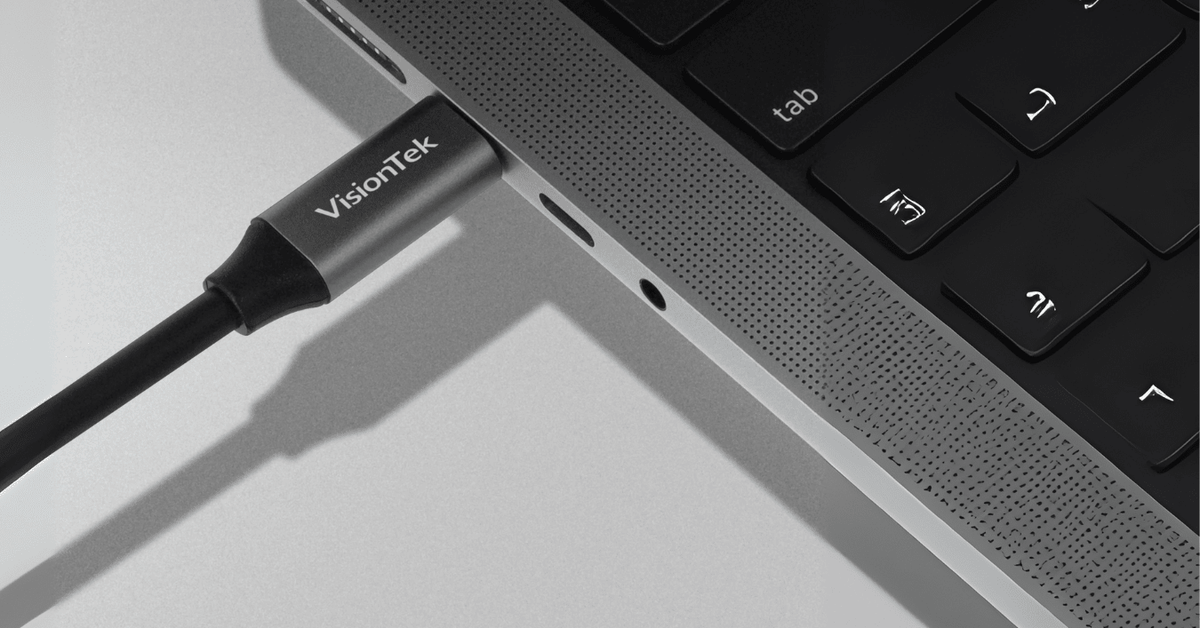
The IT refresh guide to USB-C, USB4, Thunderbolt and the cables that make... or break your setup.
USB-C may be one of the greatest achievements in modern technology.
It may also be responsible for an alarming number of IT professionals staring at a black monitor and muttering, “But it fits.”
That is the problem. The tech industry finally agreed on one beautifully simple connector and then put very different capabilities behind it.
Welcome to the USB-C Paradox
Look at two USB-C ports. Same size. Same shape. Same reversible connector.
→ One might charge your laptop, run multiple monitors and move large files at high speed.
→ Another might move data and charge but not support video.
→ Another might support a monitor but not deliver enough power to charge the laptop.
It is a little like putting the exact same door on a studio apartment, a warehouse and an aircraft hangar. The doors match. What’s behind them does not.
This becomes particularly entertaining when a company refreshes a fleet of laptops. New laptops arrive. New docks arrive. Someone plugs everything together and monitor #2 does not work.
Then a mystery USB-C cable from a desk drawer enters the investigation.
Congratulations. You have discovered the USB-C compatibility problem.
USB-C Won the Connector War
And that is actually good news. Phones, laptops, tablets, monitors, docks and chargers increasingly use the same physical connector.
But USB-C only tells you the shape of the connection. Behind it might be basic USB data, DisplayPort Alt Mode, USB Power Delivery, USB4, Thunderbolt or some combination of them.
USB4: Same Door, Much Bigger Highway
USB4 dramatically increases what can move through that small connector. Current USB4 Version 2.0 hardware can support data rates up to 80Gbps when both devices and the cable support it.
It can carry high-speed data and display traffic while remaining backward compatible with earlier USB devices.
Great. Except the host computer still decides which optional capabilities are available.
→ Translation for IT: read the laptop specifications, not just the logo next to the port.
Thunderbolt: More Predictable Expectations
Thunderbolt also uses USB-C, but its value is not simply a bigger speed number. Thunderbolt certification creates a more defined baseline for bandwidth, display support and interoperability.
-
✓ Thunderbolt 4: up to 40Gbps, with defined minimum requirements for display and data performance.
-
✓ Thunderbolt 5: up to 80Gbps bidirectional bandwidth, with additional display bandwidth available for demanding workloads.
Does everyone need Thunderbolt 5? No. The goal of an IT refresh is not to buy the biggest specification available. It is to match the connection to the job.
The Better Way to Refresh IT
Instead of starting with “Which dock should we buy?” start with the workstation requirements.
-
✓ Displays: How many external monitors does the user need, and at what resolution?
-
✓ Power: How much charging power does the laptop require?
-
✓ Host capability: Does the laptop support DP Alt Mode, MST, USB4 or Thunderbolt?
-
✓ Operating system: Is the environment Windows, macOS, ChromeOS — or mixed?
-
✓ Cable: Does the cable actually support the speed, video and power the setup requires?
Match the Dock to the Person
Standardization does not have to mean pretending everyone has the same job. A small set of dock profiles can cover most users without overbuying.
The Normal Office Human
Laptop. Two monitors. Keyboard. Mouse. Ethernet. Maybe a headset.
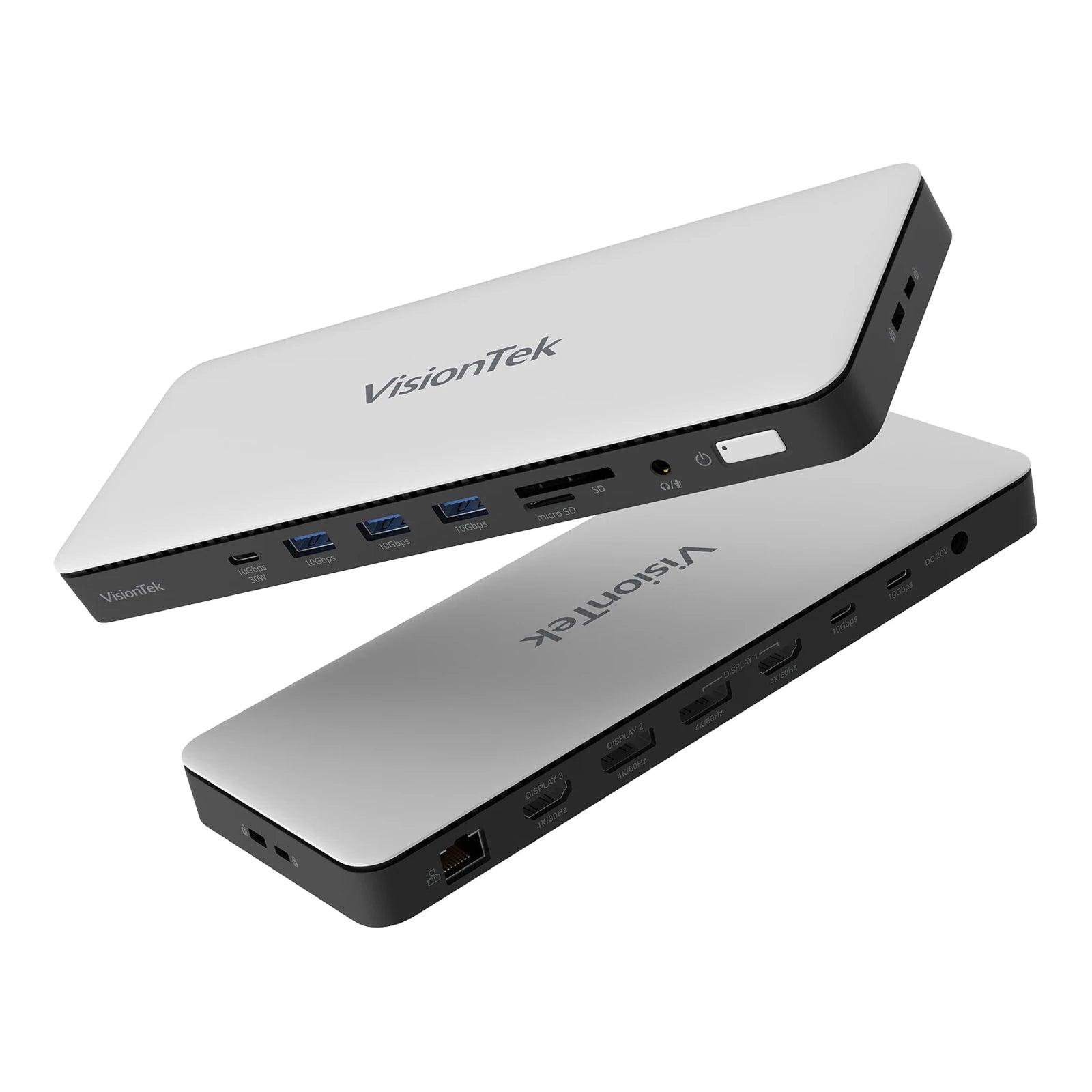
This person probably does not need the fastest connection known to humanity. For a compatible USB-C system, the VisionTek VT2600 can support up to three external displays using DP Alt Mode and MST, provide up to 100W Power Delivery and connect the rest of the workstation through one cable.
Product Highlight
VT2600 Triple Monitor Dock
Built for hybrid professionals a powerful plug-and-play workstation hub that expands your setup across three external displays without requiring DisplayLink drivers. Featuring 10Gbps data speeds and 100W laptop power delivery via DP Alt Mode, it drives native GPU performance straight out of the box.
The Power User
Now meet the employee with two 4K monitors, external storage, large files and an impressive number of applications open at once.
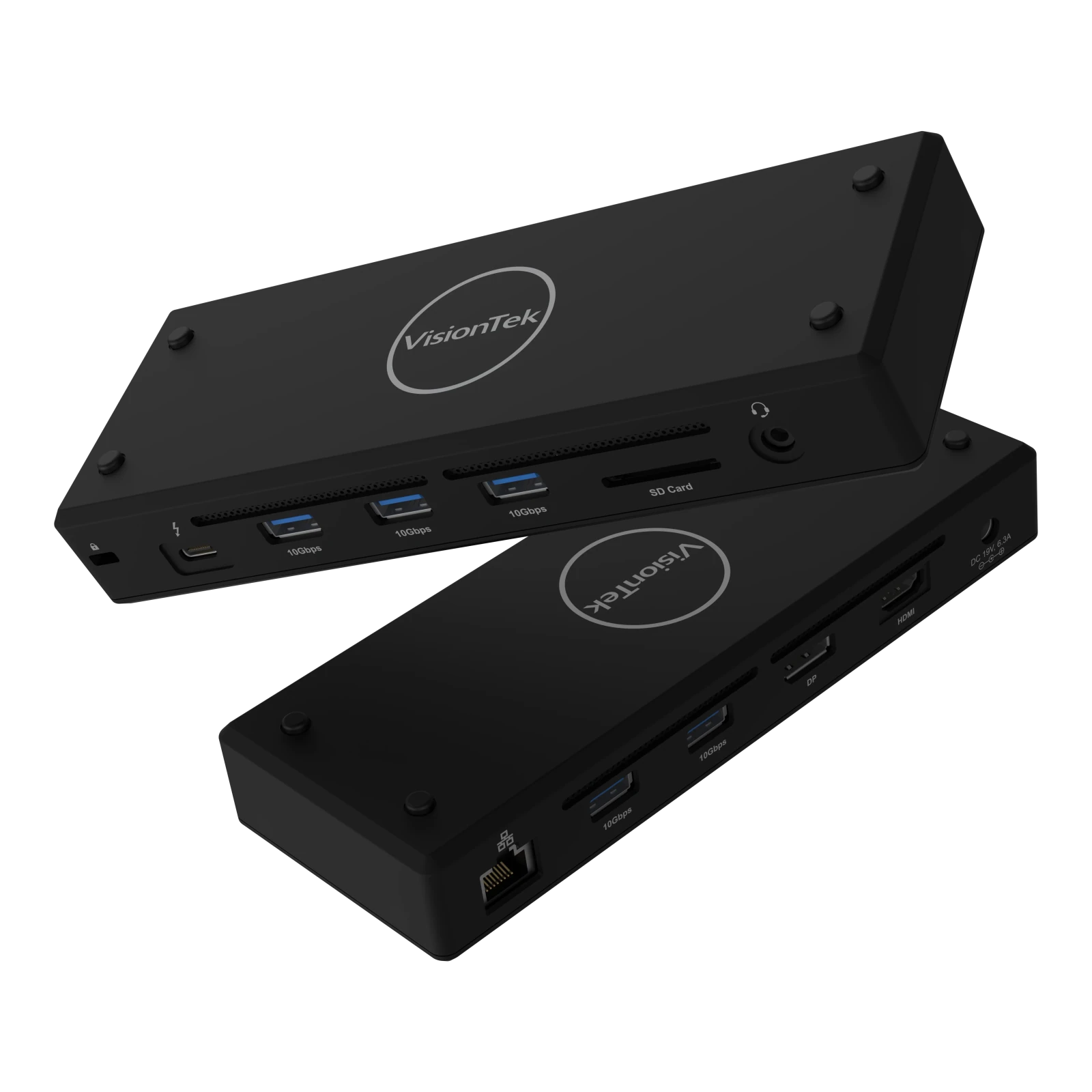
This is where Thunderbolt earns its keep. The VisionTek VT5400 delivers 40Gbps Thunderbolt 4 performance, dual 4K@60Hz or single 8K display support on compatible systems, and up to 80W charging.
✓ Bonus for IT: native Thunderbolt performance means no DisplayLink driver is required for the dock itself.
Product Highlight
VT5400 Thunderbolt 4 Dock
Built for creators, professionals, and hybrid workers, it delivers 40Gbps speed, dual 4K@60Hz support, and 80W charging through one streamlined connection.
The “We Own Every Laptop Made Since 2019” Office
This is most companies. The CEO has a new laptop. Finance has Dell. Marketing has Lenovo. Someone in the warehouse has a machine old enough to have stories.
Replacing every computer at once would be lovely. Your CFO may have thoughts.
The VT4600DL is useful in a mixed fleet because it connects through USB-C or USB-A and uses DisplayLink to support Windows, macOS and ChromeOS. It can drive up to two 4K displays and deliver up to 100W to compatible USB-C laptops.

Product Highlight
VT4600DL Universal Dual Monitor Docking Station
Standardizing dual monitor workstations across teams or organizations with support Windows, macOS and ChromeOS, dual 4K@60Hz expansion and 100W charging through one streamlined connection.
The Person Who Needs Four Monitors
Every company has one: an analyst, engineer, operations lead or power user whose desk looks like mission control.
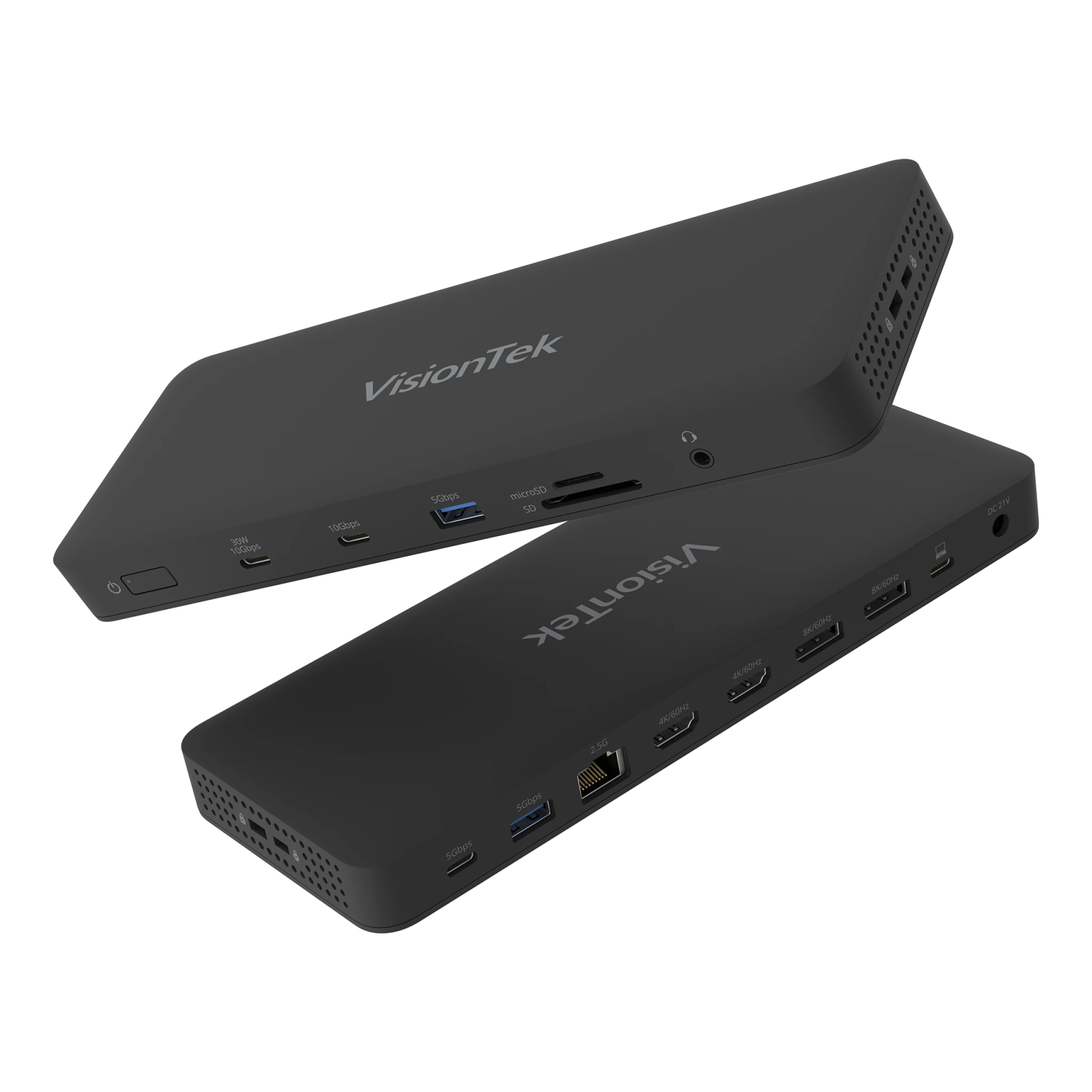
The VT8100DL supports up to four 4K displays through DisplayLink, plus 2.5Gb Ethernet, USB connectivity and up to 100W laptop charging on compatible USB-C systems.
Product Highlight
VT8100DL Universal Quad Monitor Docking Station
Built for professionals that need extra workspace, it delivers 10Gbps speed, Quad 4K@60Hz support, 2.5Gb networking and 100W charging through one streamlined connection.
And Then There Is the Cable
Here is where USB-C reaches peak comedy. You can buy a capable laptop, premium monitors and the right docking station — then cripple the setup with the wrong cable.
Because, once again, many of them look exactly the same.
-
→ Some USB-C cables are primarily intended for charging.
-
→ Some support data but limited speeds.
-
→ Some can handle high-speed data, video and high-wattage charging at the same time.
VisionTek’s USB4 Version 2.0 cable supports up to 80Gbps data transfer, up to 240W PD 3.1 charging and high-resolution video on compatible devices. It also works across USB-C, USB4 and Thunderbolt 3/4/5 devices.
→ See the VisionTek 80Gbps / 240W USB4 Cable
The $3,000 Workstation With a $10 Problem
An employee can have a premium laptop, multiple monitors, a capable dock and a great keyboard — and the entire workstation can still misbehave because nobody knows what the USB-C port or cable actually supports.
The tech industry has mostly solved the physical connector problem. Now we have a capability problem.
Before your next refresh, check these five things:
-
✓ Laptop — What does the host port actually support?
-
✓ Displays — How many, and at what resolution?
-
✓ Power — How many watts does the laptop need?
-
✓ Dock — Which display technology and operating systems does it support?
-
✓ Cable — Can it carry the required data, video and power?
Make sure those capabilities match.
Then USB-C becomes pretty amazing.
One connection can power the computer, drive the monitors, connect Ethernet, run storage and attach peripherals.
It just came with slightly more fine print than expected.

Share:
VisionTek Radeon RX 580: Six-Display Graphics for Business
Build Better Financial Workstations for Analysts and Advisors